




Bassel Lawand

Anki Tool

A Chrome extension for making Anki cards from anything you read.

I built it to study for the MCAT. 15K+ people have installed it since, and 5K+ use it every month.

It’s plain JavaScript, HTML and CSS on Chrome’s extension APIs, and it talks to Anki on your computer through AnkiConnect.

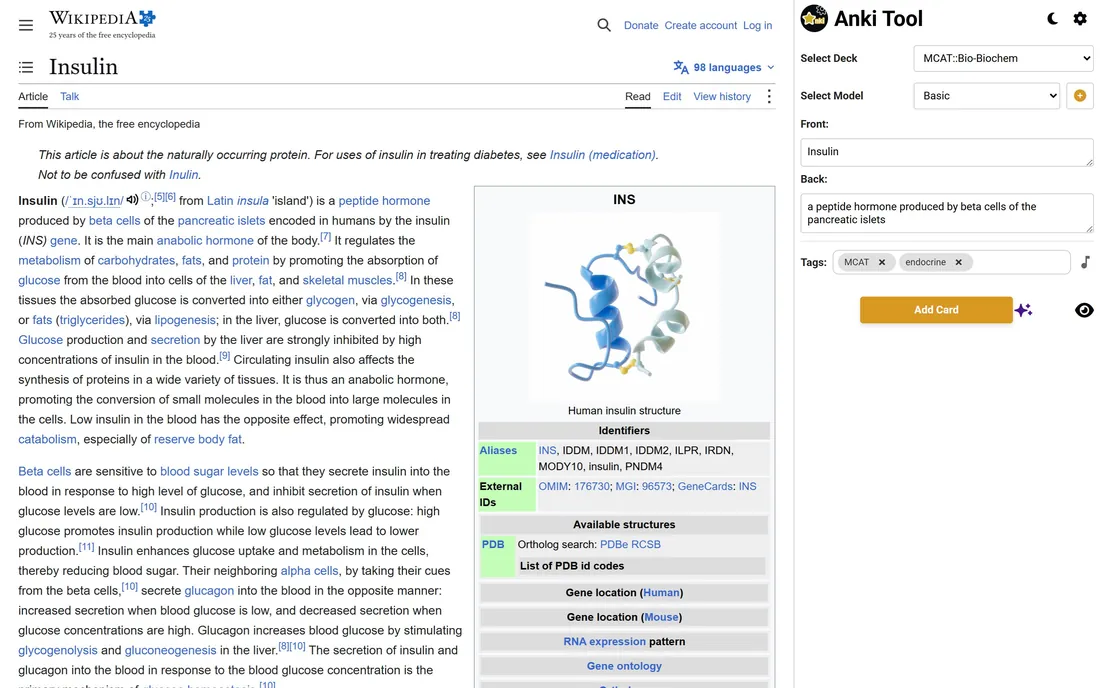
Anki Tool’s side panel beside Wikipedia’s Insulin article, with a card filled in from the page
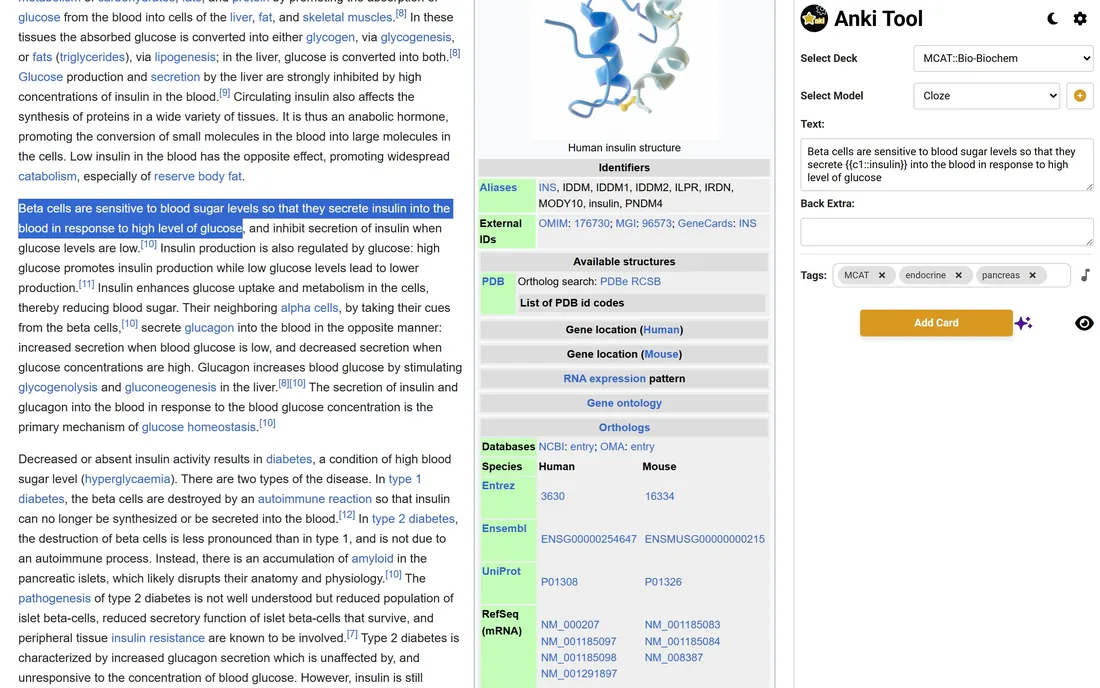
Anki Tool turning a sentence about insulin into a cloze card
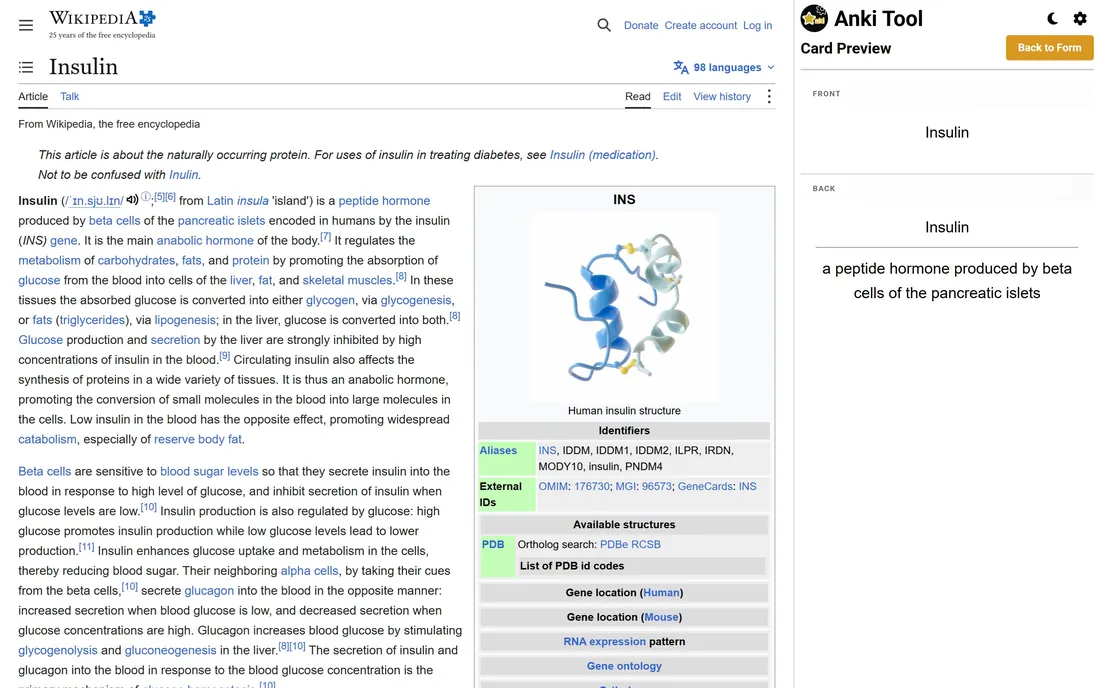
Anki Tool previewing the finished card, front and back, before adding it
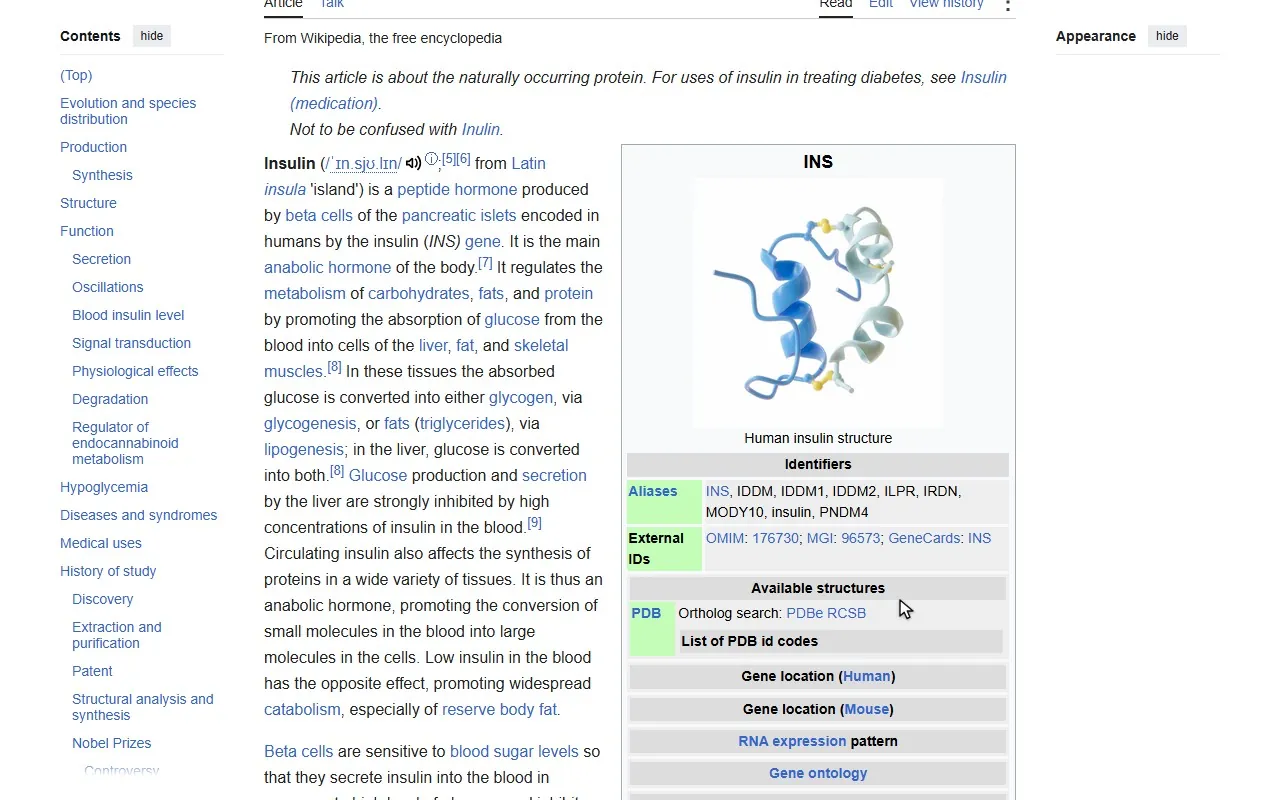
  1. Select a line on any site and send it to the front or back of a card. Here it’s Wikipedia’s article on insulin.

    Highlighting a term and its definition in Wikipedia’s Insulin article, then adding them to an Anki card
  2. Deck, note type, front, back and tags sit in a side panel, so you never leave the page.

    Anki Tool’s side panel beside Wikipedia’s Insulin article, with a card filled in from the page
  3. Wrap a word in a cloze deletion and the sentence becomes a fill-in-the-blank card.

    Anki Tool turning a sentence about insulin into a cloze card
  4. Preview it the way Anki will show it, then add it to your deck.

    Anki Tool previewing the finished card, front and back, before adding it

GumHop

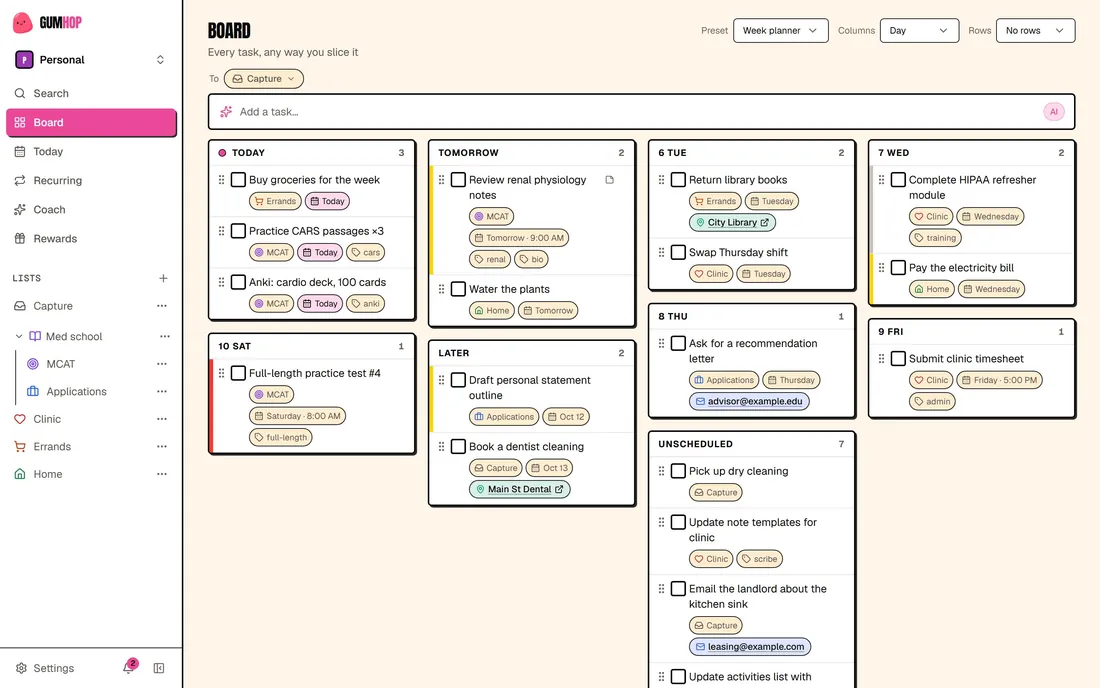
Type a task the way you’d say it. Finish it and you pull a card.

I wanted adding a task to take one sentence, and finishing one to feel like a small win. The boards, the team spaces and the API are there so that idea holds up for real work.

It’s Next.js and TypeScript with Supabase underneath. The parser sends your sentence to DeepSeek through the OpenAI SDK.
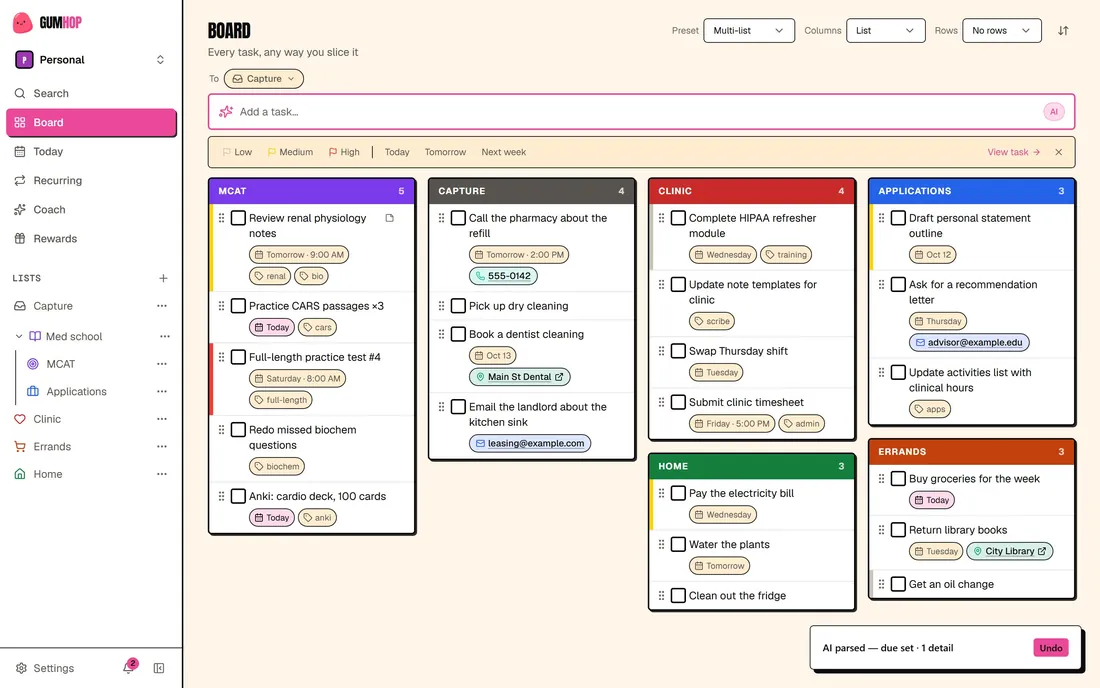
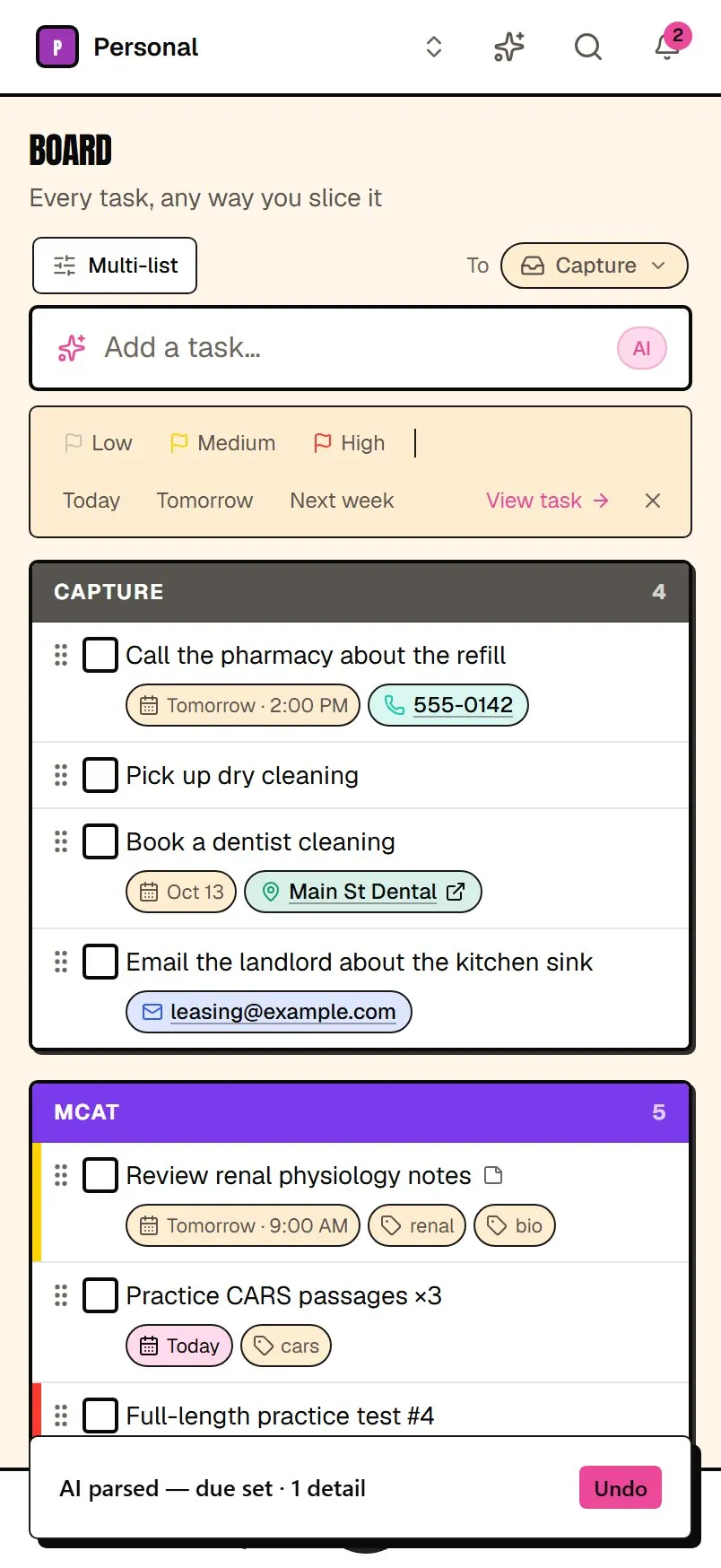
A parsed task on the GumHop board: a clean title, due tomorrow at 2:00 PM, with a phone number pulled out as a detail
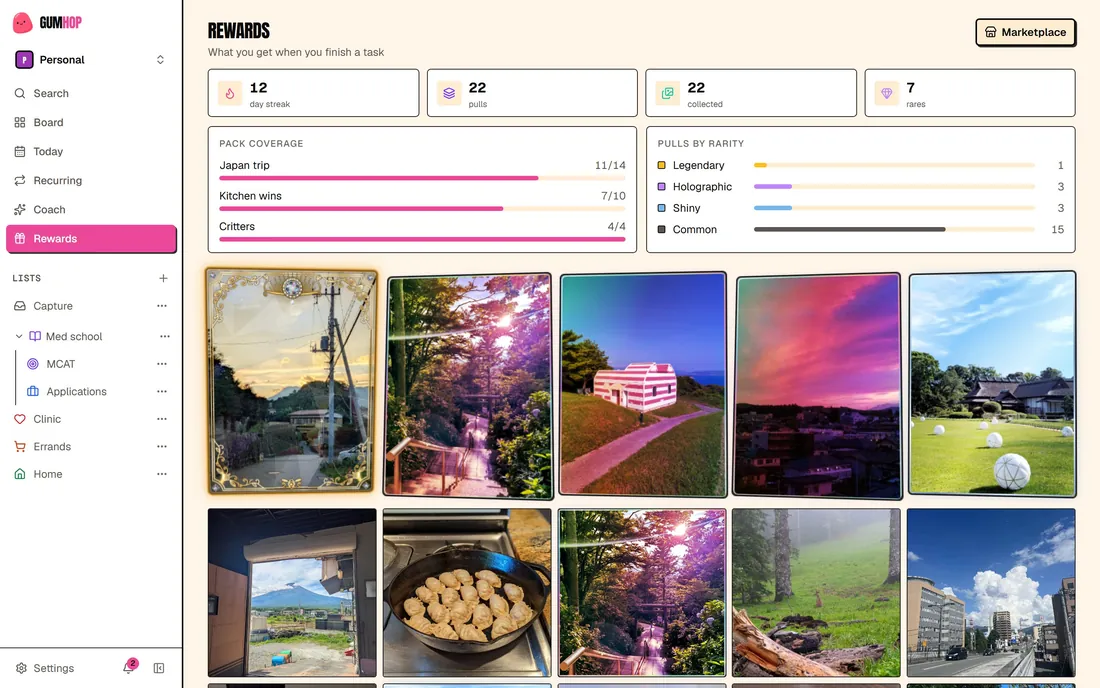
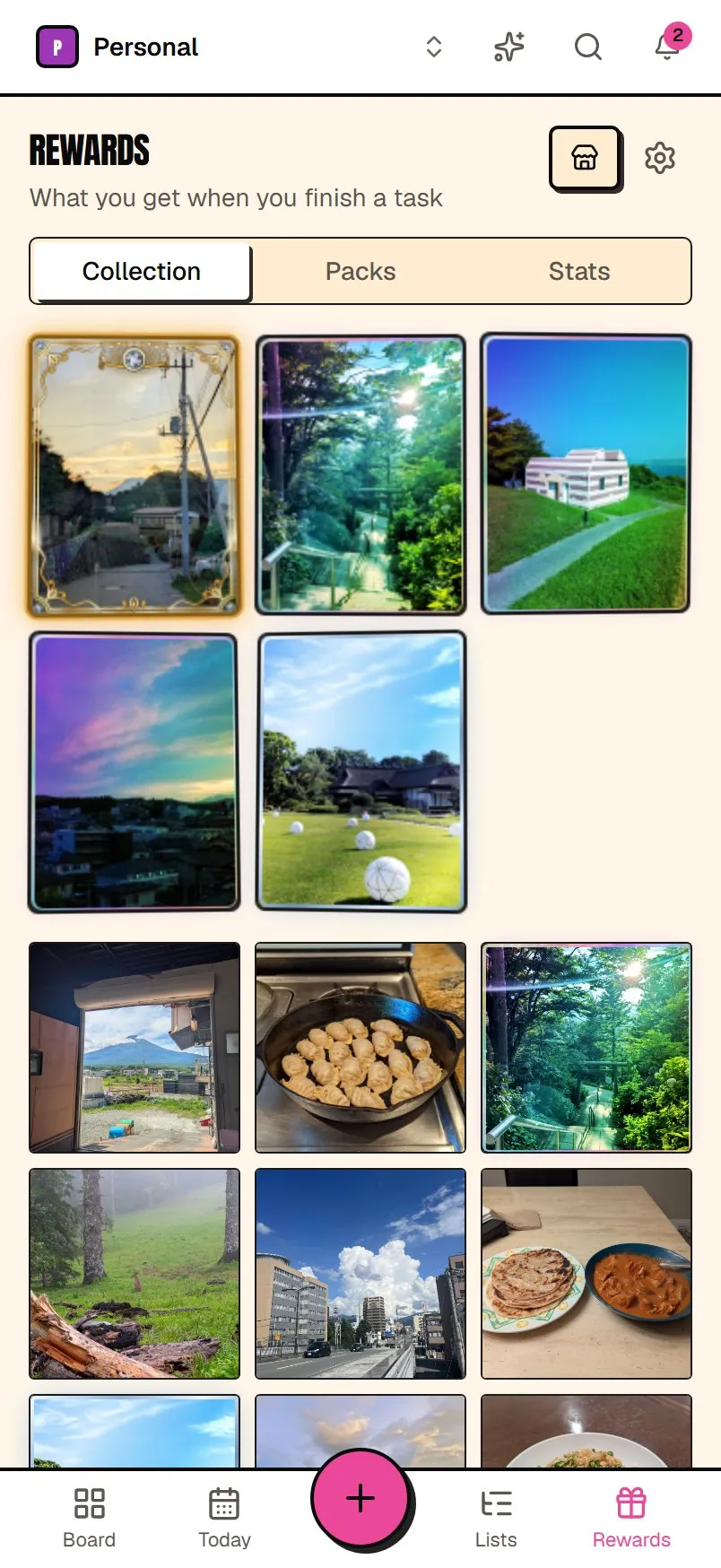
GumHop’s Rewards page: a day streak, pulls by rarity, pack coverage and the card collection
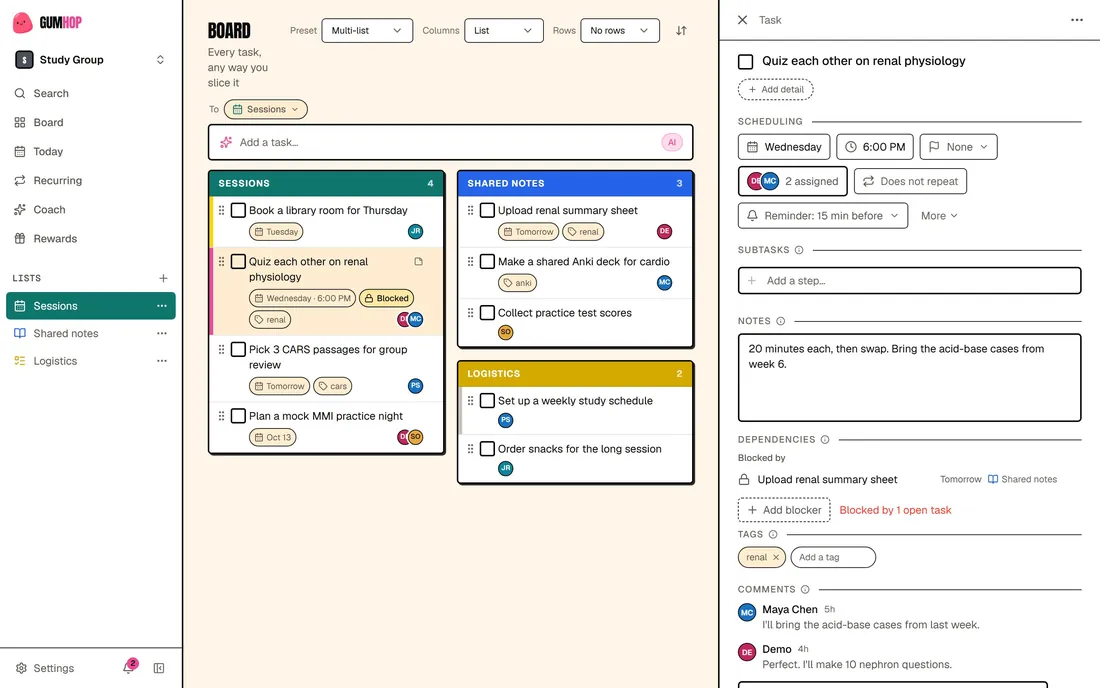
A Study Group team space: its board, and an open task assigned to two people, with comments
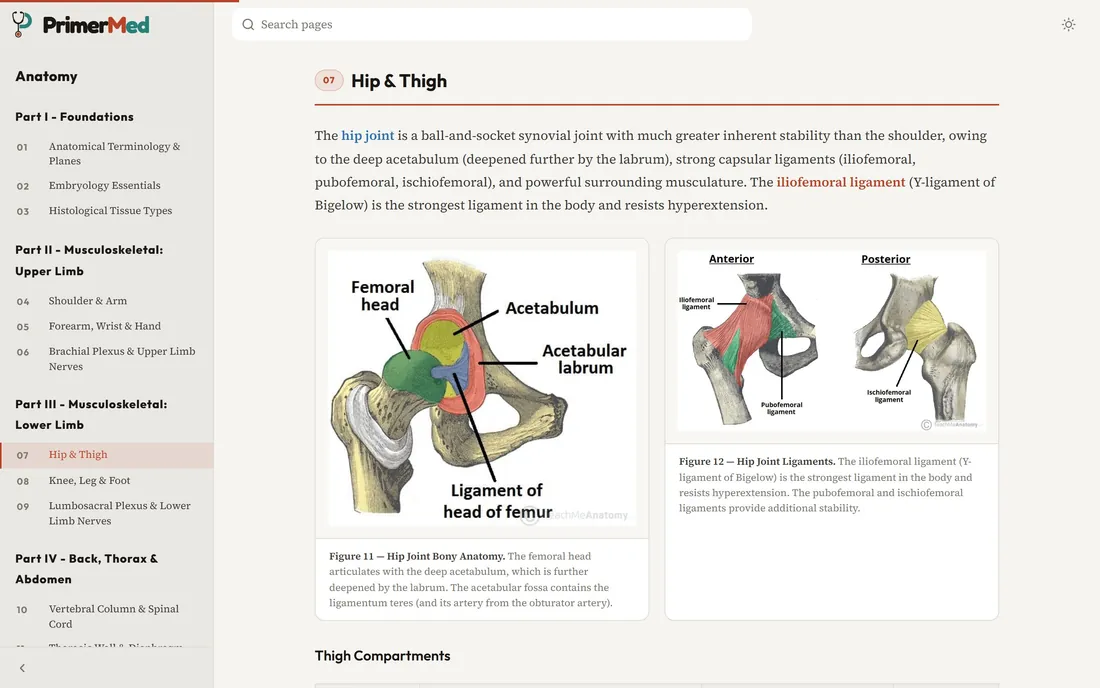
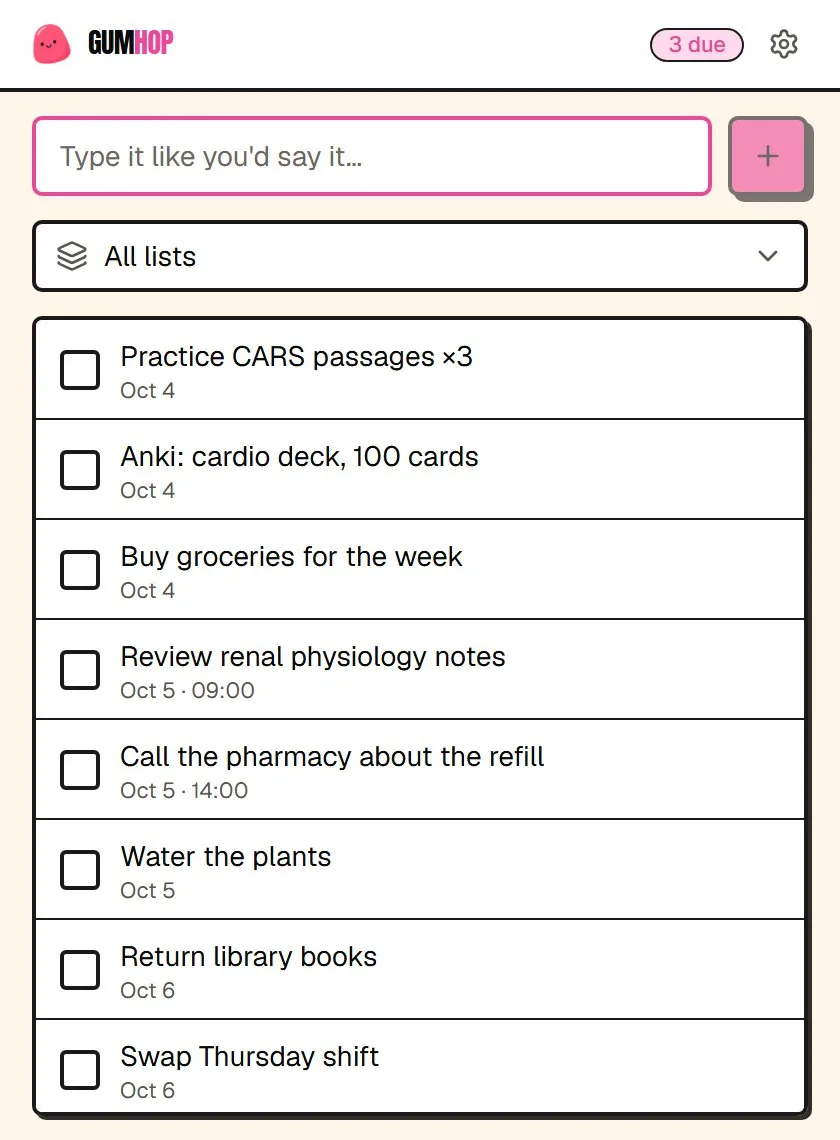
A PrimerMed anatomy page open in the tab underneathThe GumHop extension popup over the page, with a task just added in plain words and parsed to tomorrow at 2:00 PM
The same parsed task on GumHop’s phone layout
A Legendary card, gold frame and all, pulled on GumHop’s phone layout
The card collection on GumHop’s phone layout, rarest finishes first
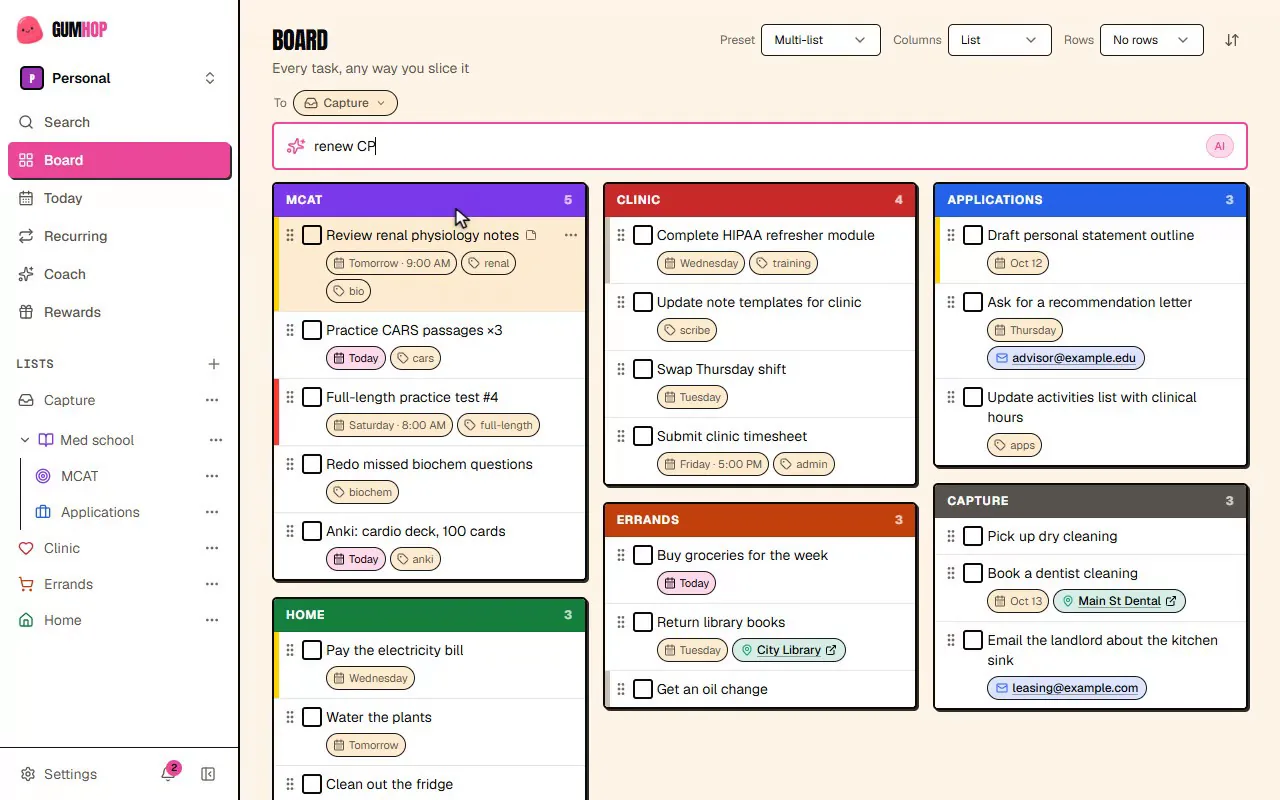
  1. No form to fill in. The deadline and how urgent it is go in the same sentence.

    A task typed into the GumHop board in plain words, then filed by AI
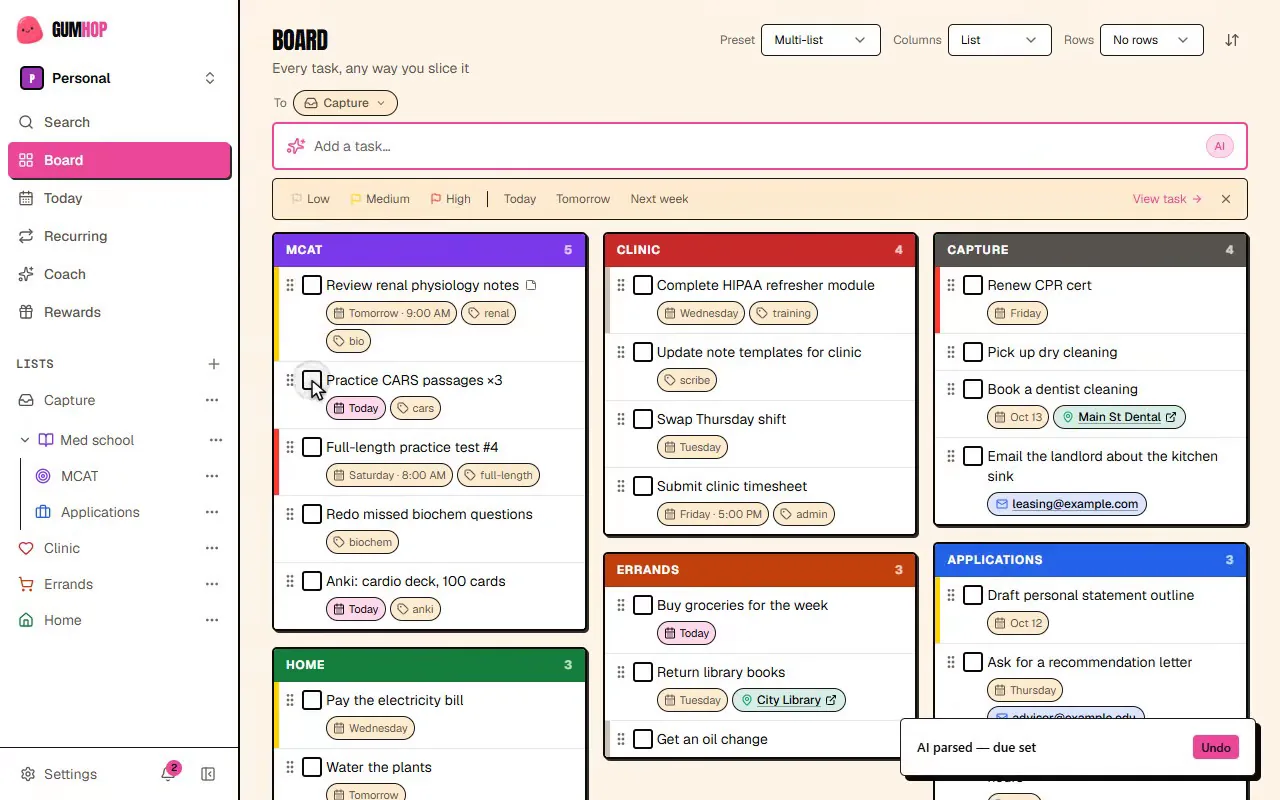
  2. The sentence comes back as a real task with a clean title, a day and time, and the phone number pulled out. Undo is one click away.

    A parsed task on the GumHop board: a clean title, due tomorrow at 2:00 PM, with a phone number pulled out as a detail
  3. It might be Common, Shiny, Holographic or, on a lucky pull, Legendary.

    A task checked off in GumHop, then a Legendary card pulled
  4. Every pull lands in your collection, rarest first, with packs to finish and a day streak to keep.

    GumHop’s Rewards page: a day streak, pulls by rarity, pack coverage and the card collection
  5. Invite your team to a space, or give an AI agent an API key to add and finish tasks.

    A Study Group team space: its board, and an open task assigned to two people, with comments
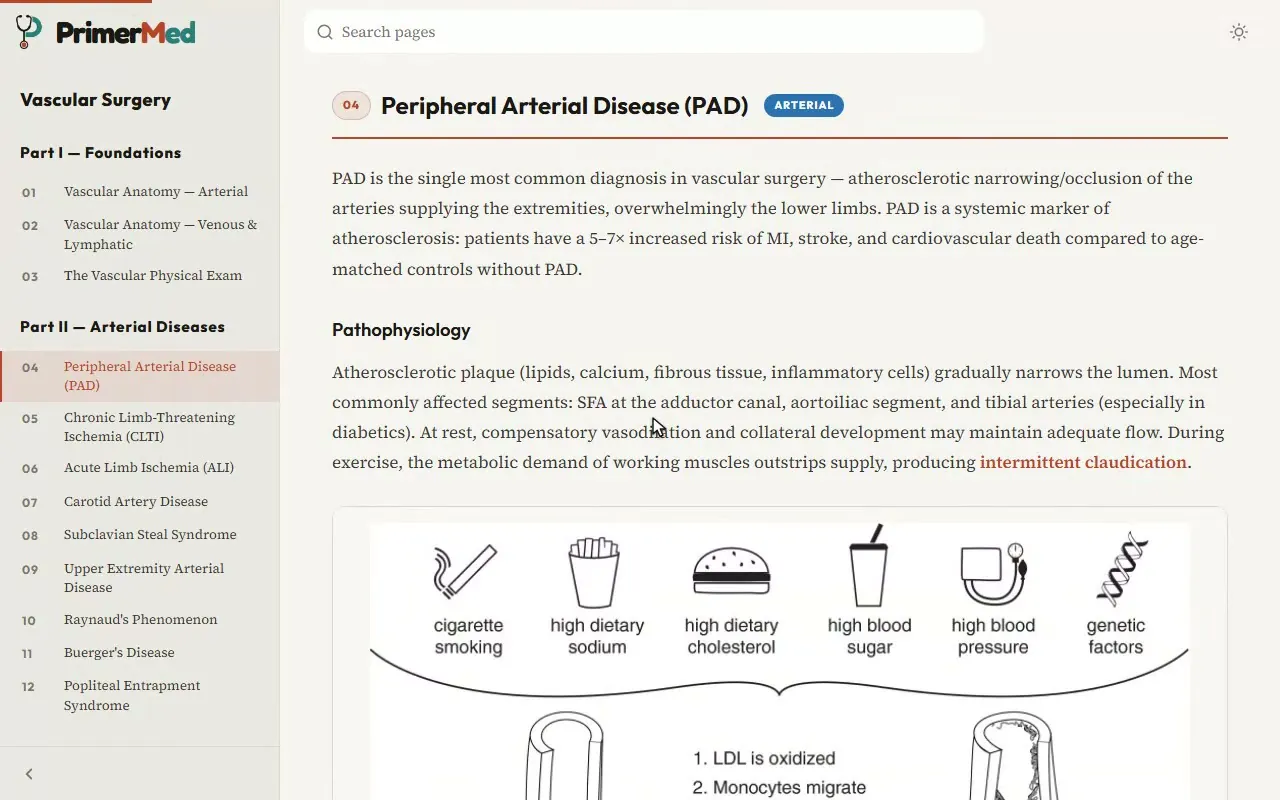
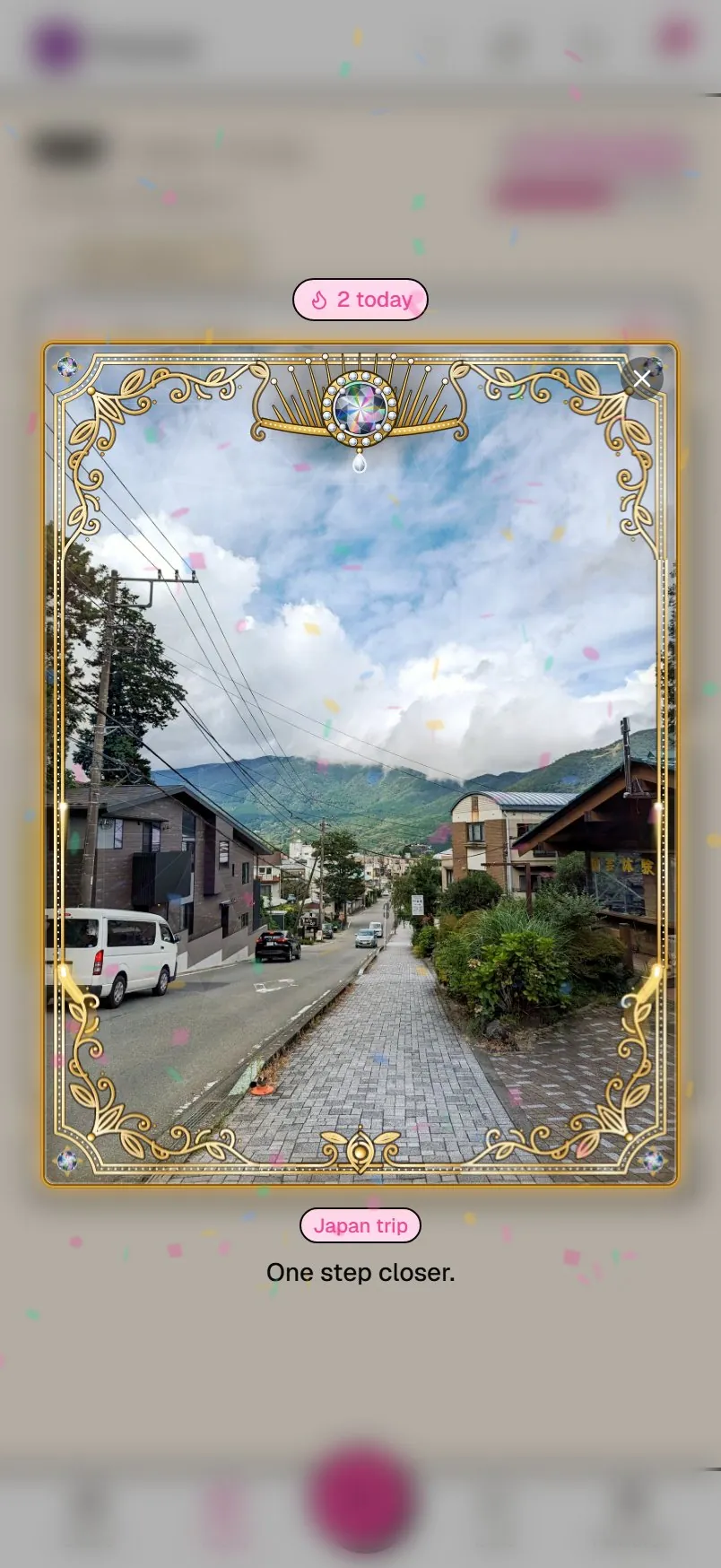
  6. Type a task over whatever you’re reading, here one of my PrimerMed pages, and check one off to pull a card right there.

    A PrimerMed anatomy page open in the tab underneathThe GumHop extension popup over the page, with a task just added in plain words and parsed to tomorrow at 2:00 PM

PrimerMed

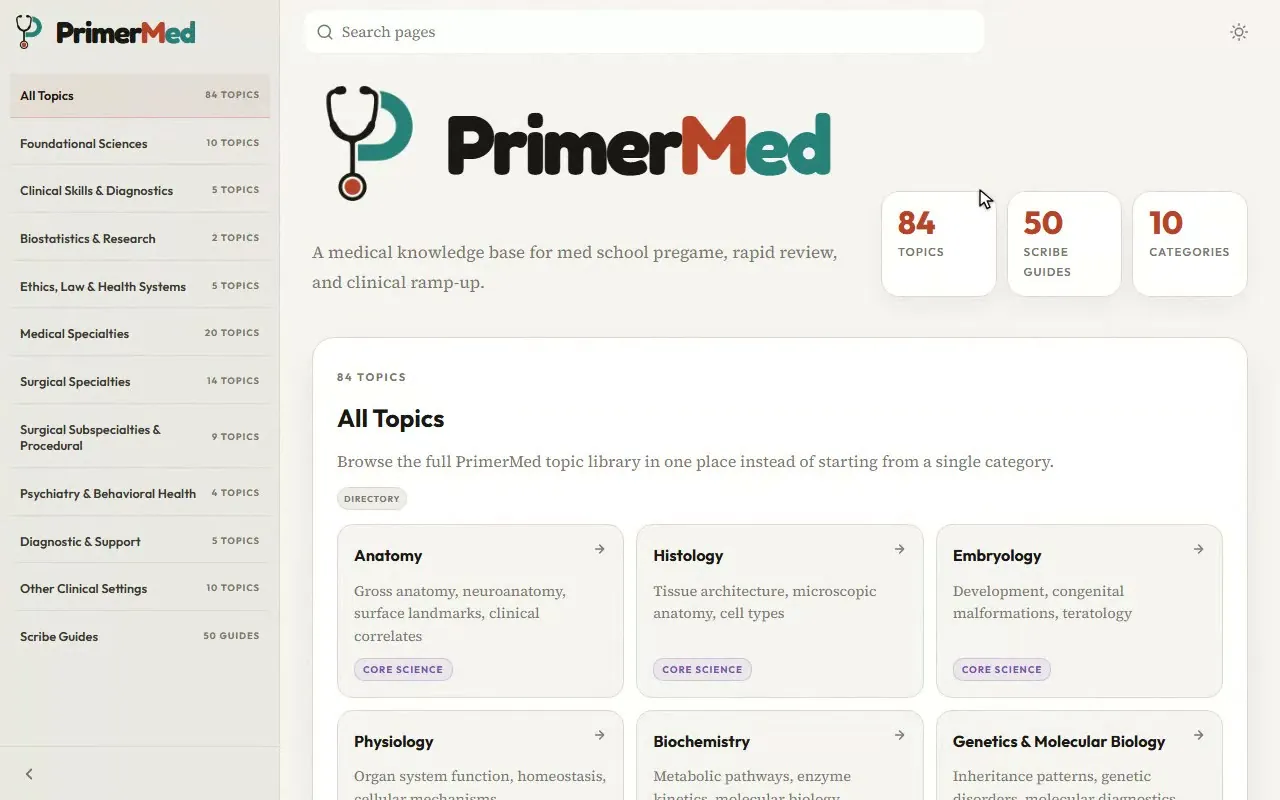
A medical knowledge base for med school pregame, rapid review and clinical ramp-up.

It has 80+ topics, 50+ scribe guides and 10 categories, from foundational science to the surgical specialties.

It’s built with Astro, with every topic written in MDX. Search runs in the browser with MiniSearch, so results show up as you type.

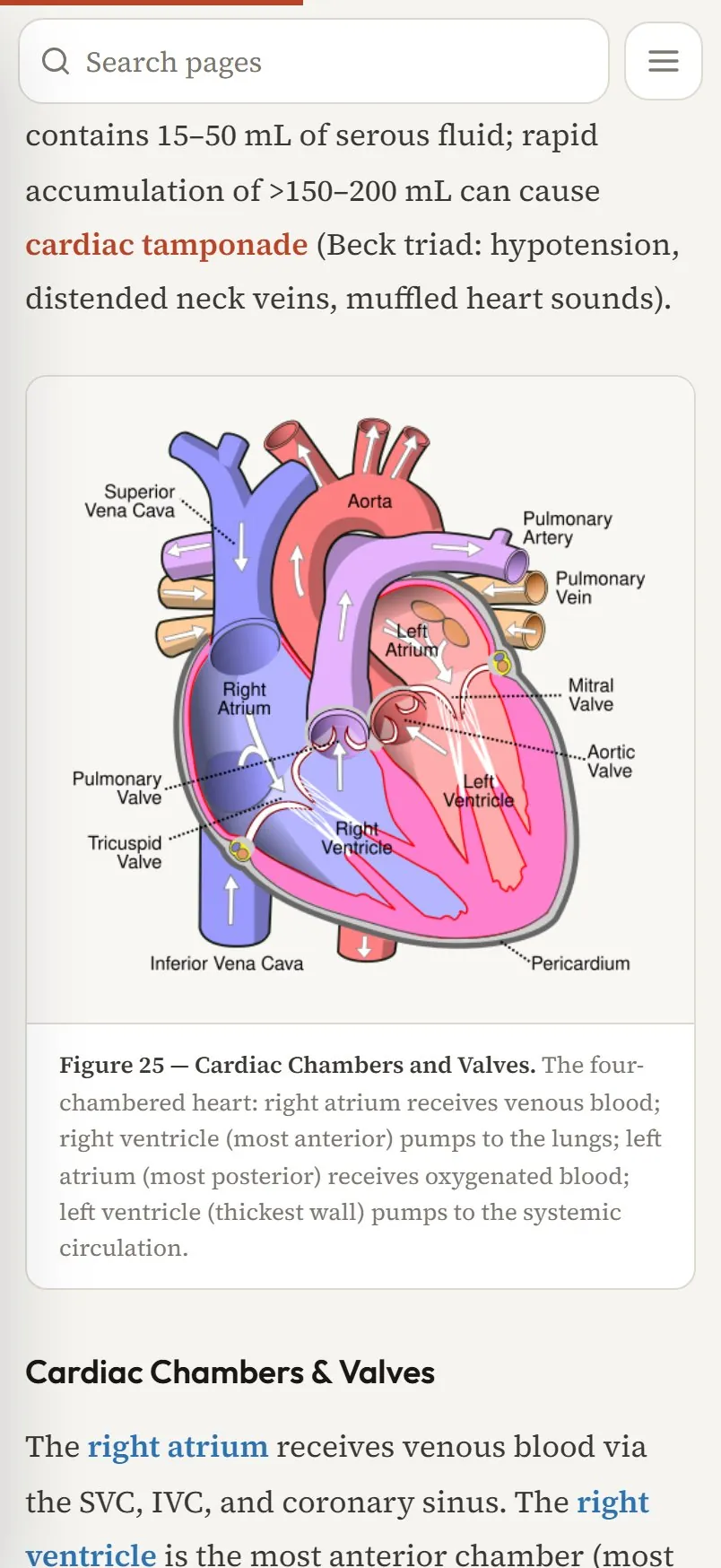
PrimerMed’s anatomy page on the hip and thigh, with labelled figures
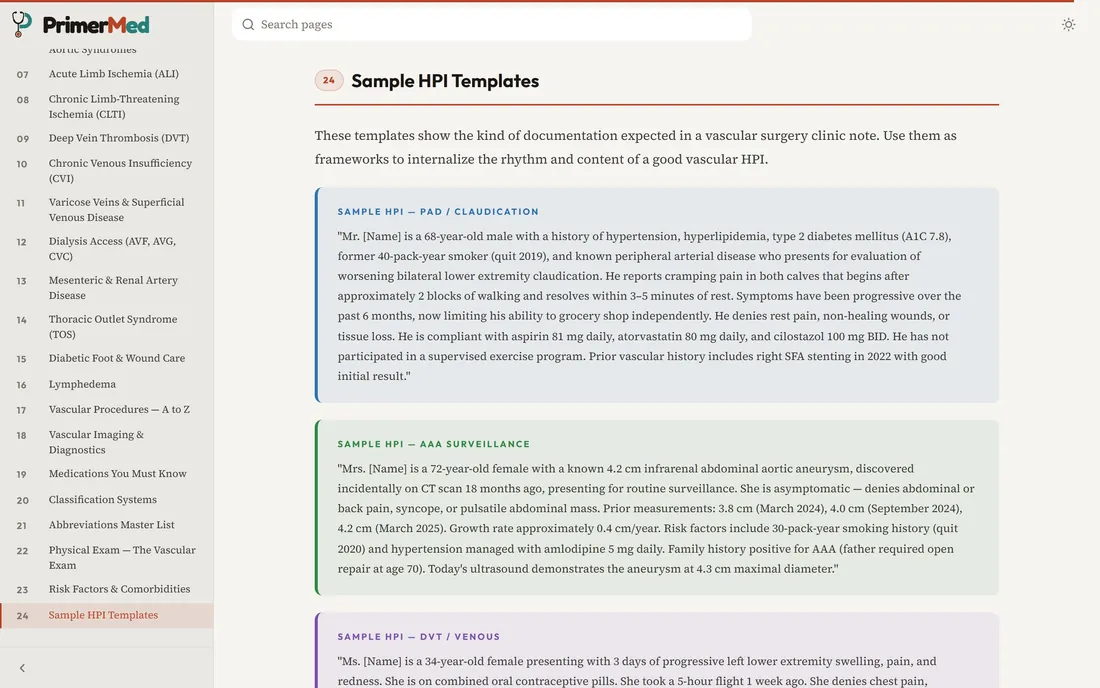
PrimerMed’s vascular surgery scribe guide, open at its sample HPI templates
  1. Search covers every topic and scribe guide. Pick a result and you land right on it, here peripheral arterial disease.

    Searching PrimerMed for claudication and jumping to the peripheral arterial disease section
  2. Highlight any term and the study menu can define it, explain it more simply or search the whole library for it.

    Selecting atherosclerosis on a PrimerMed page and searching the whole library for it from the study menu
  3. The foundations have them, here the bones and ligaments of the hip.

    PrimerMed’s anatomy page on the hip and thigh, with labelled figures
  4. This vascular surgery guide, with its sample HPI templates, is the one closest to my own work.

    PrimerMed’s vascular surgery scribe guide, open at its sample HPI templates

qpkit

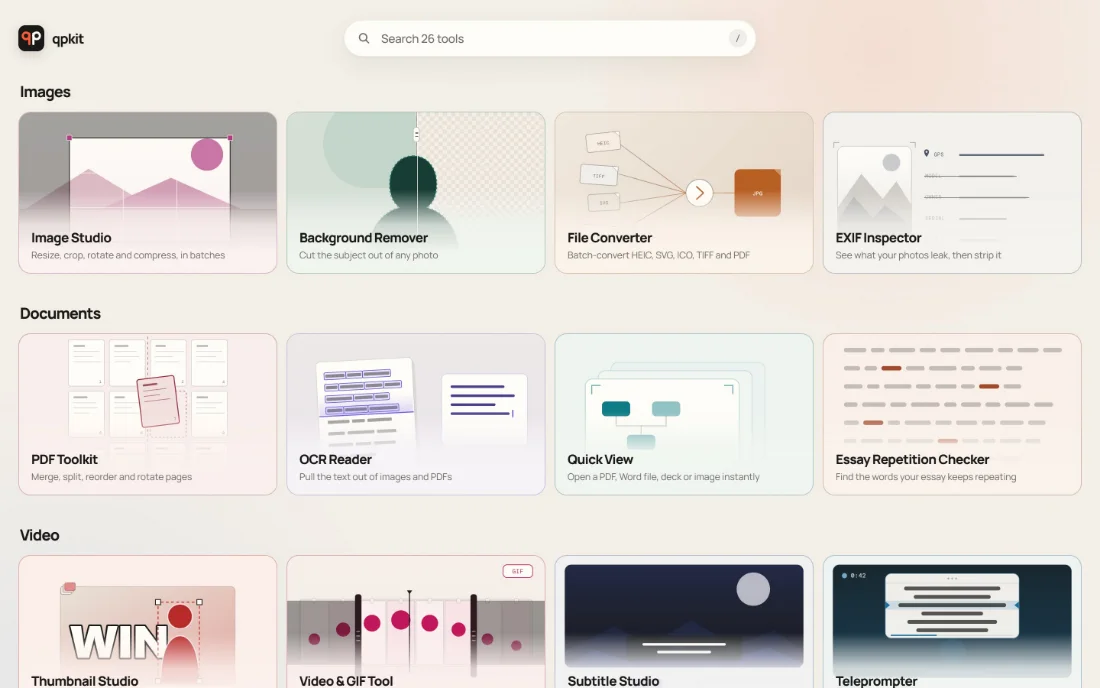
It handles images, PDFs, audio, video, captions and more, plus a Theme Gallery of 95 UI styles.

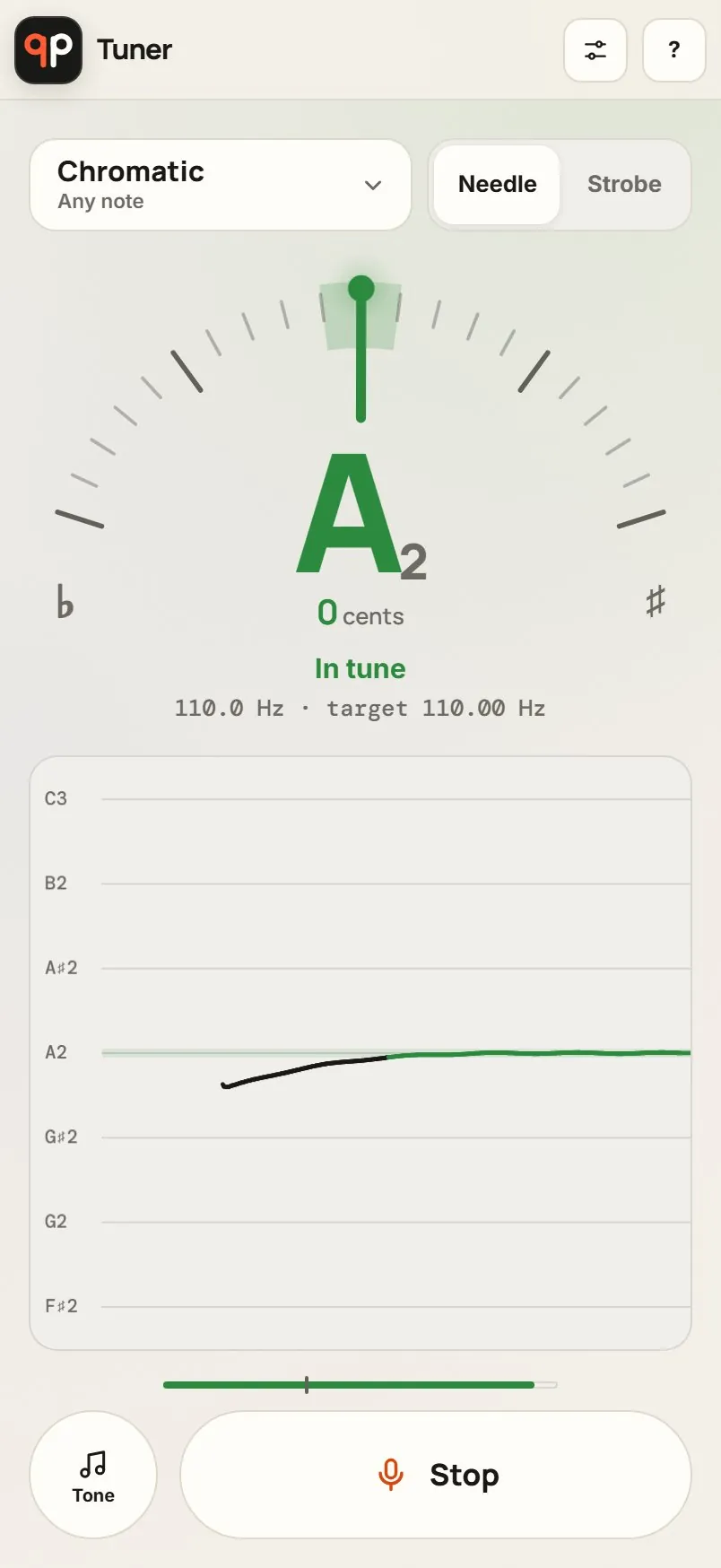
I count it as 26 projects in one. It can tune a cello, transcribe a meeting, review a chess game and read the text off a scanned page.

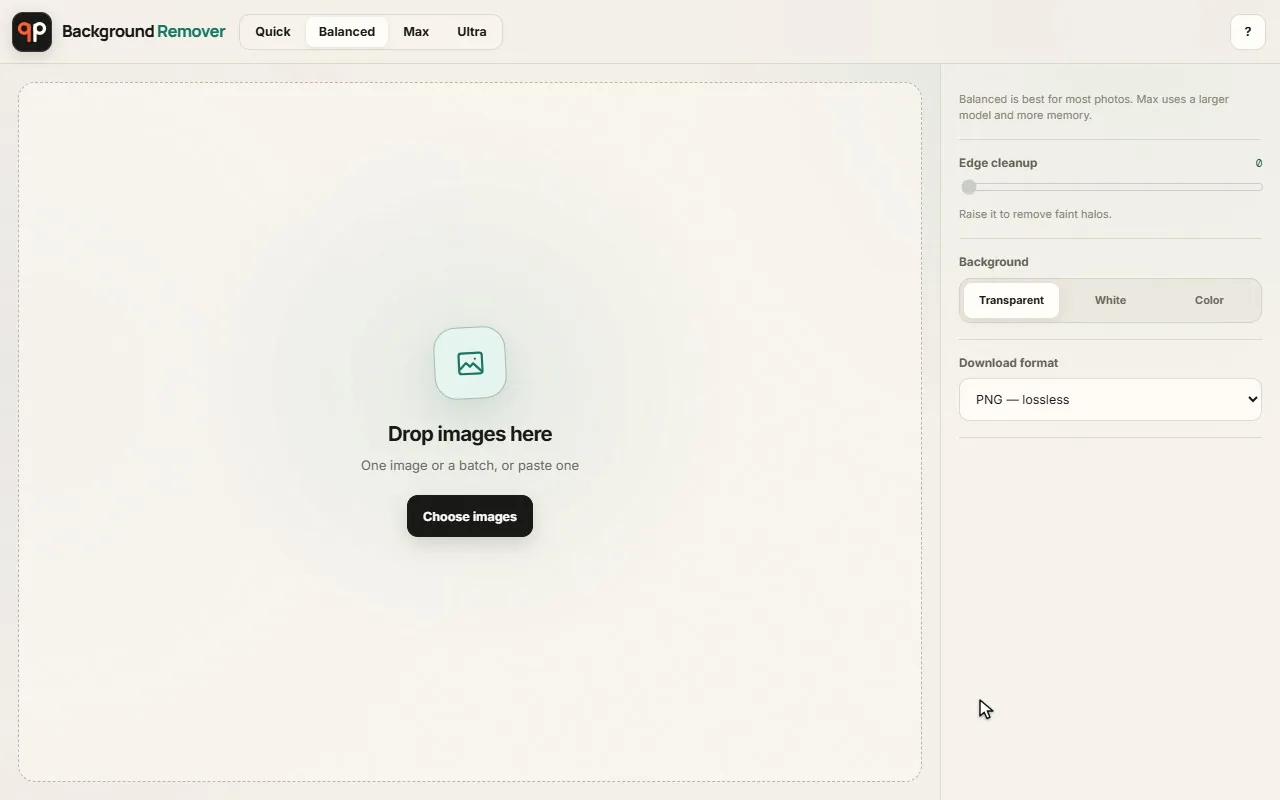
It’s plain HTML and JavaScript with no build step and no framework. The heavy parts, like Whisper, Stockfish and background removal, run on your own device.

All 26 qpkit tools

qpkit.com

The home page sorts every tool into one of seven groups.

Open qpkit.com
qpkit’s home page: 26 tools in seven groups, each on its own illustrated tile

Jireader

Stories that teach Korean, one level at a time.

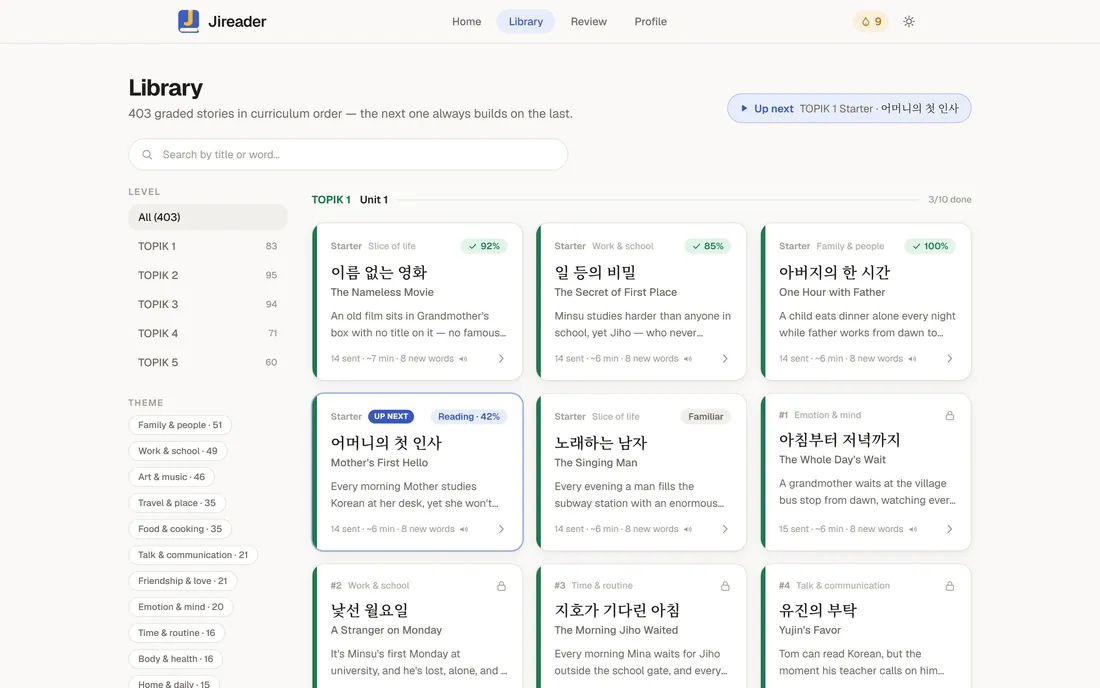
It has 400+ stories across TOPIK levels 1 to 5, and complete beginners start with a Hangul primer.

It’s React and TypeScript, and your progress stays on your device until you sign in.

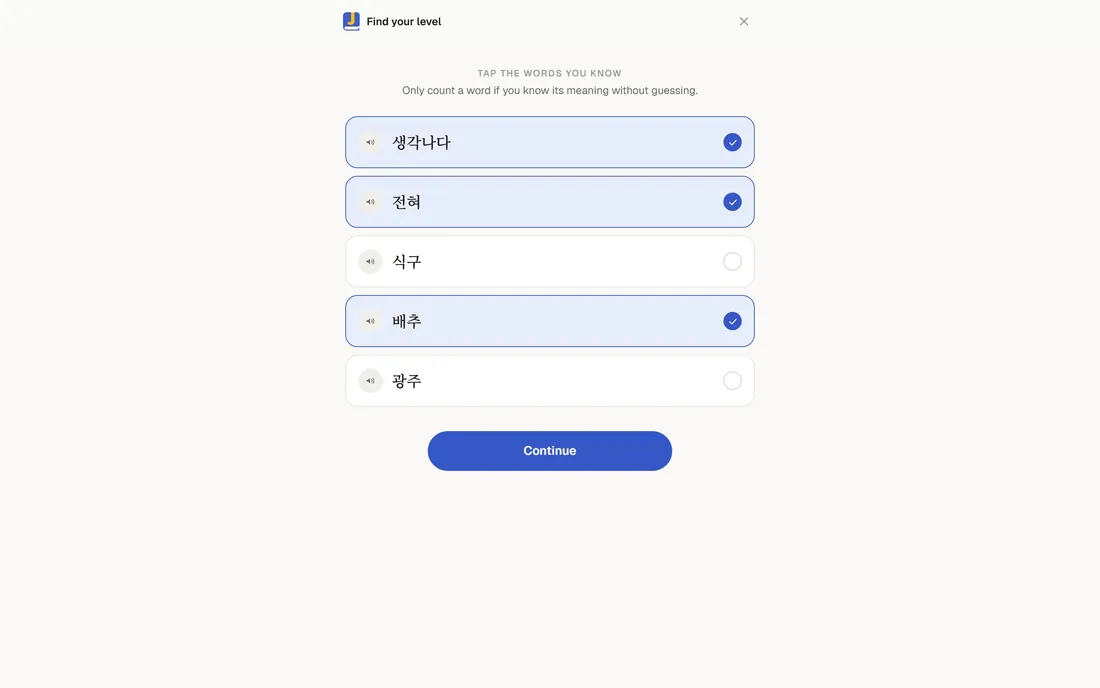
Jireader’s placement check: tap the Korean words you already know
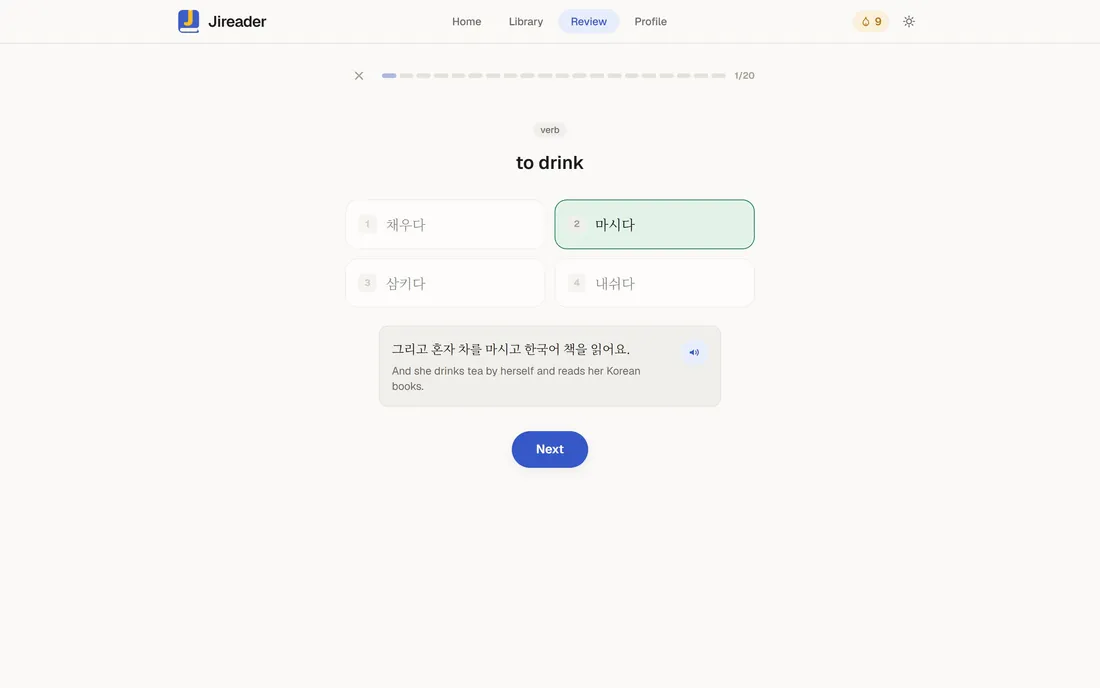
A Jireader review card: a word to recall, with the story sentence it came from
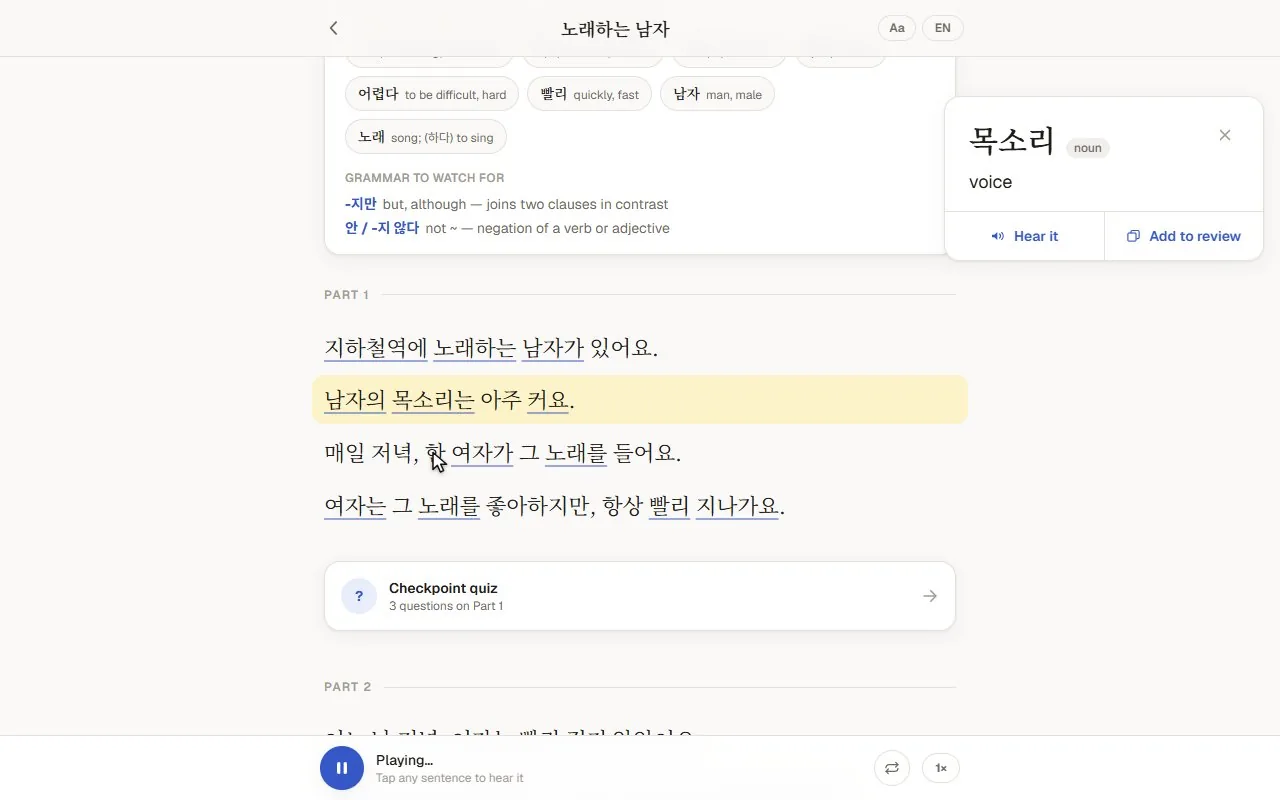
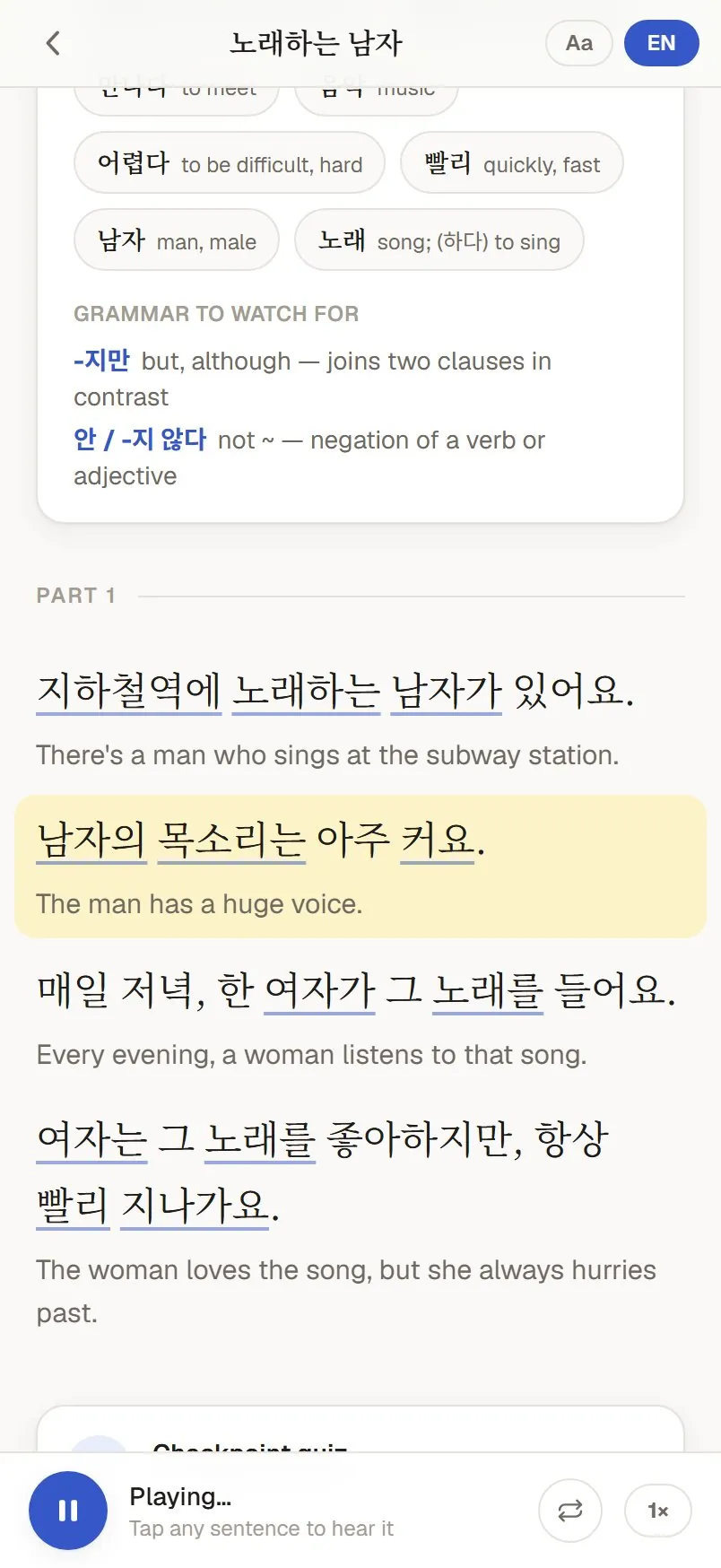
A Jireader story on a phone, with the narrated sentence lit and English under each line
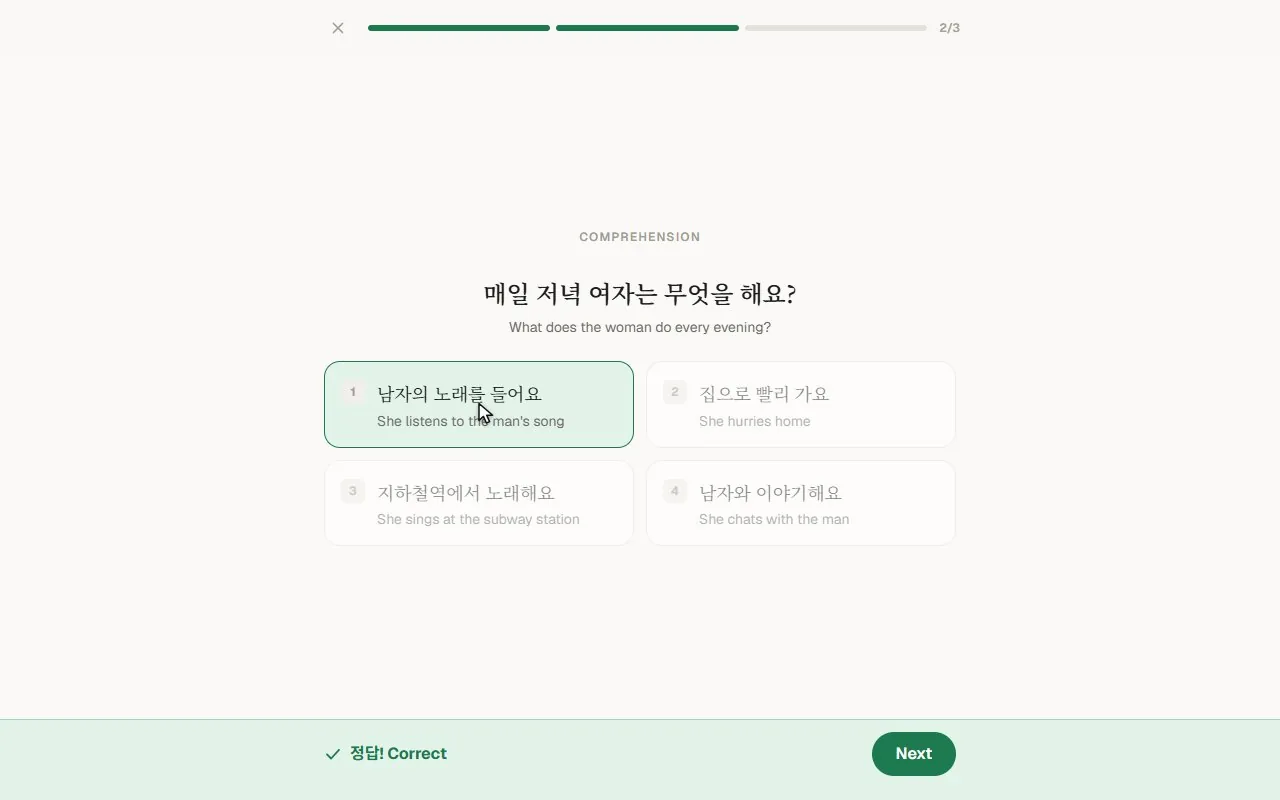
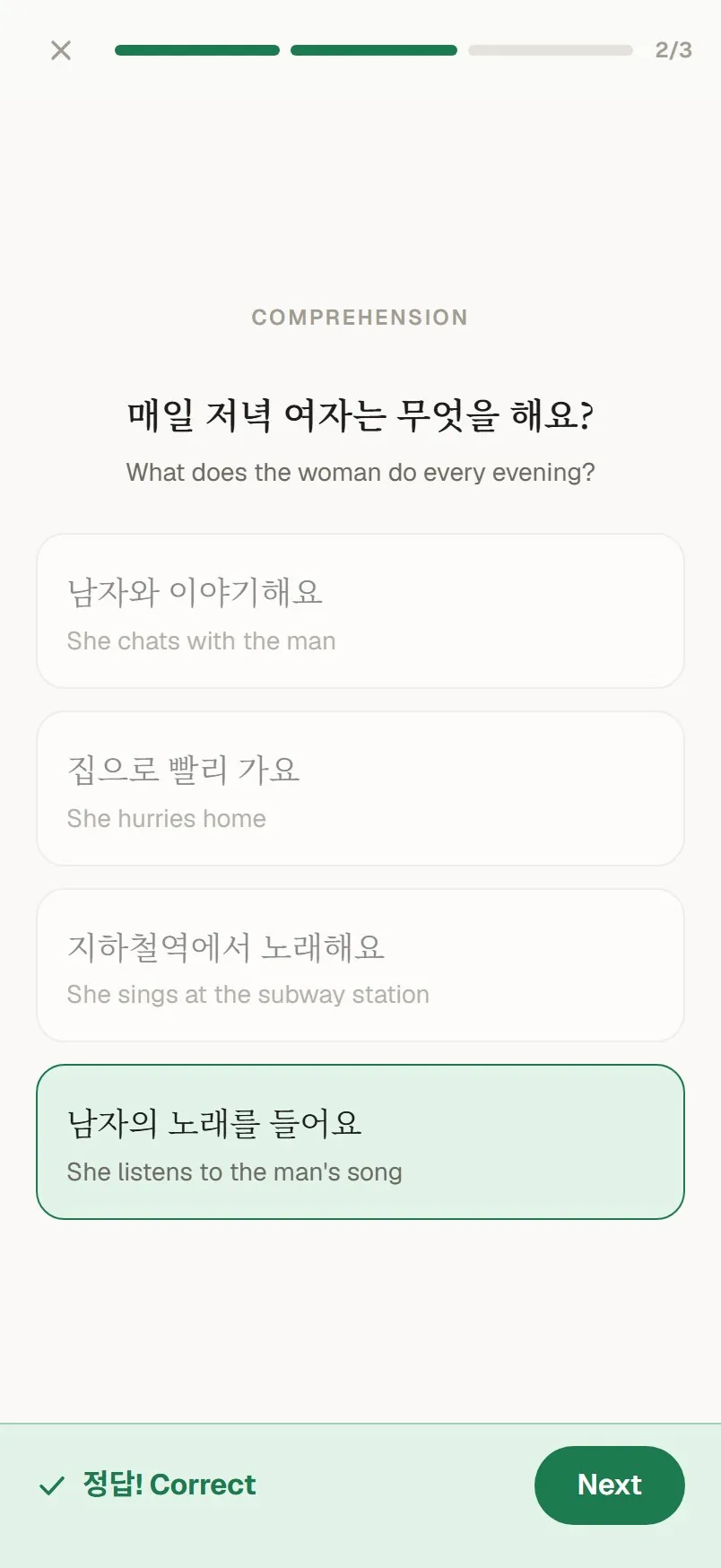
A Jireader comprehension question answered correctly on a phone
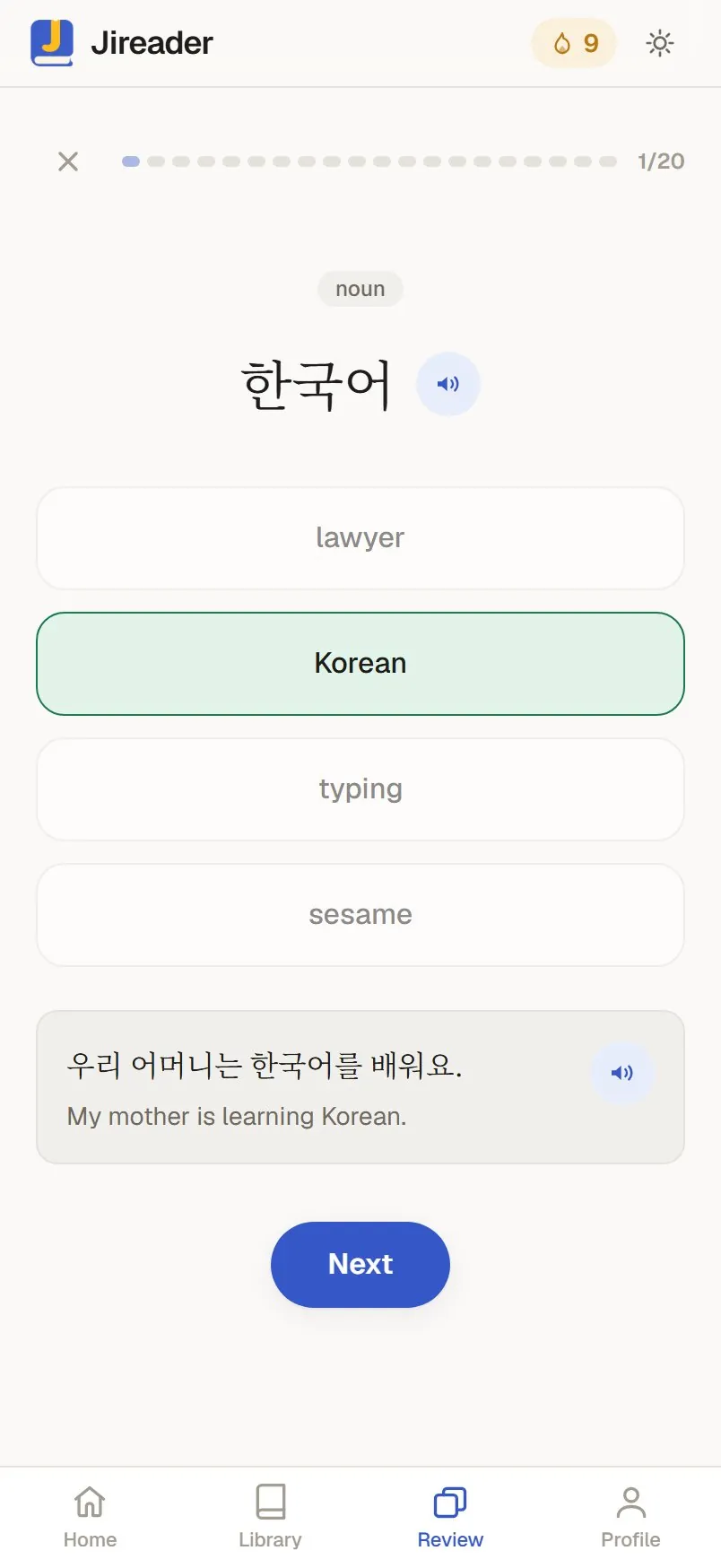
A Jireader review card on a phone
  1. Tap the Korean words you already know and Jireader starts you at the right level.

    Jireader’s placement check: tap the Korean words you already know
  2. Each sentence lights up as it’s read aloud, English sits under every line, and a tap on any word opens its meaning.

    Opening a Jireader story: the read-along highlight follows the narration, then a tapped word shows its meaning
  3. You answer vocabulary and comprehension questions with a tap.

    A Jireader checkpoint quiz: a vocabulary question and a comprehension question, both answered correctly
  4. Spaced repetition brings each word back with the sentence it came from.

    A Jireader review card: a word to recall, with the story sentence it came from

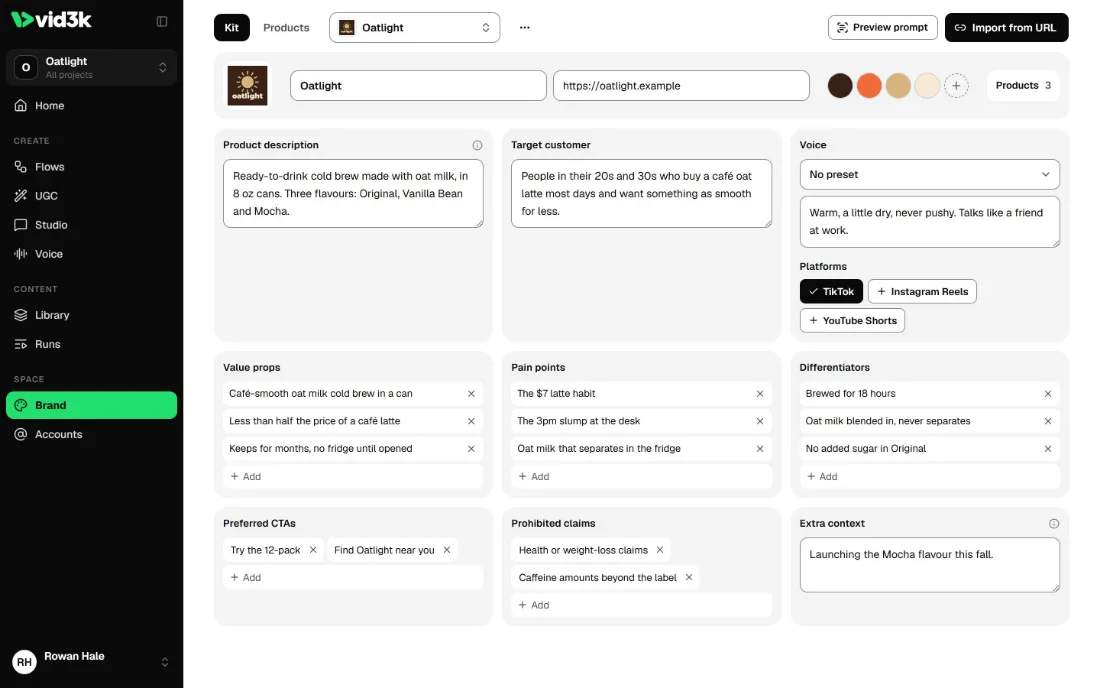
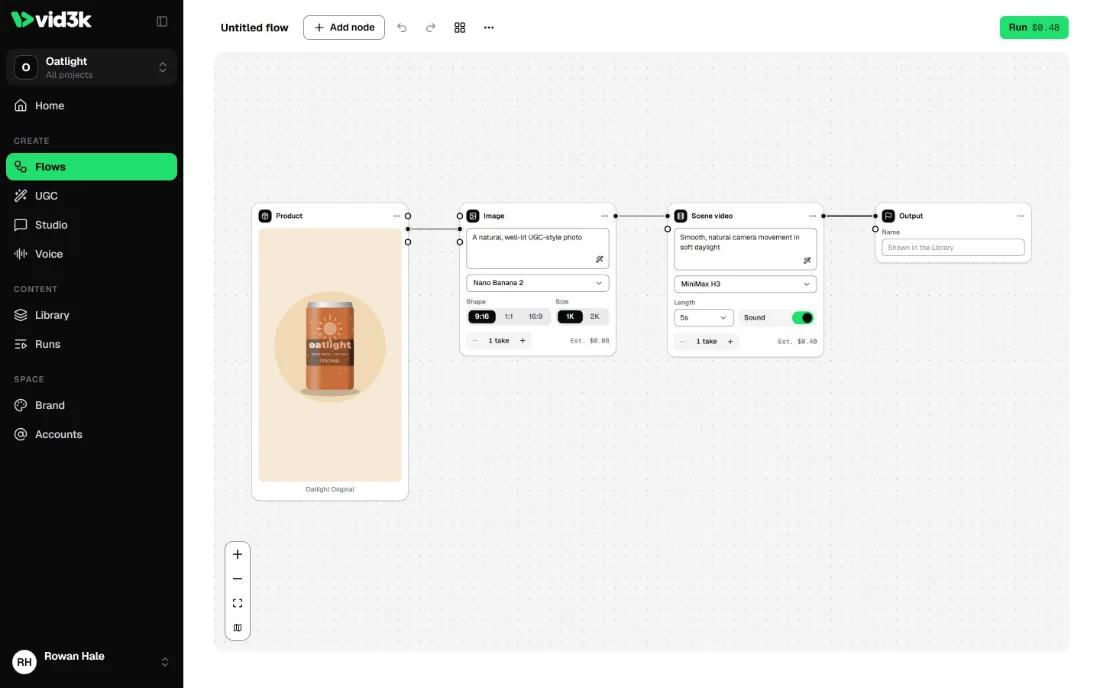
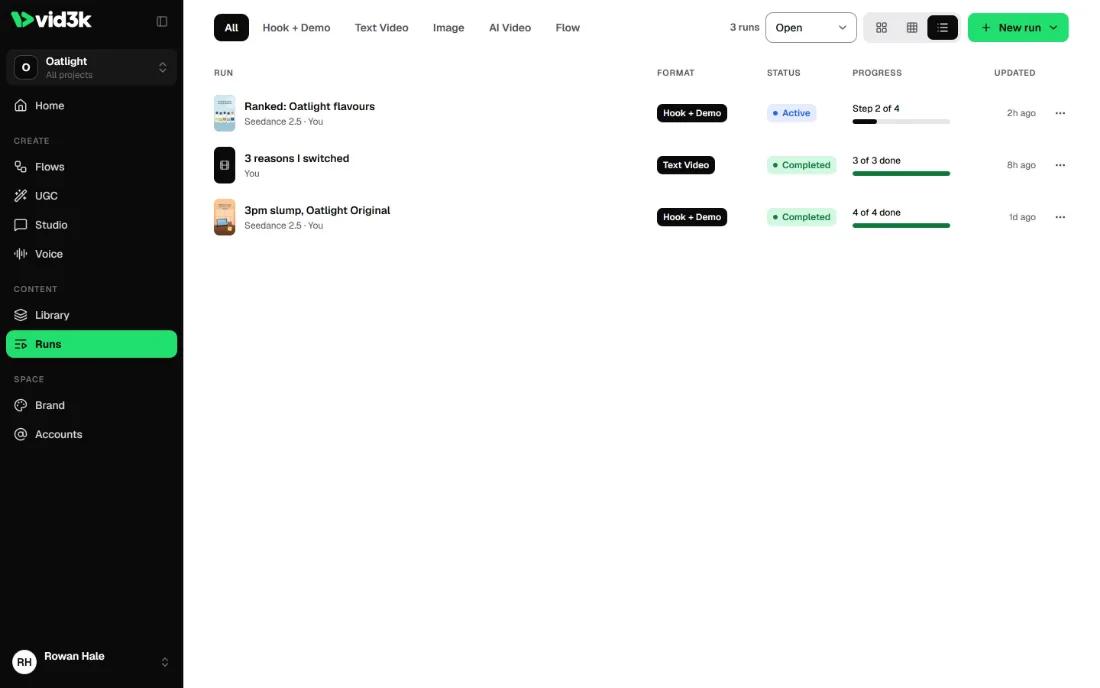
vid3k

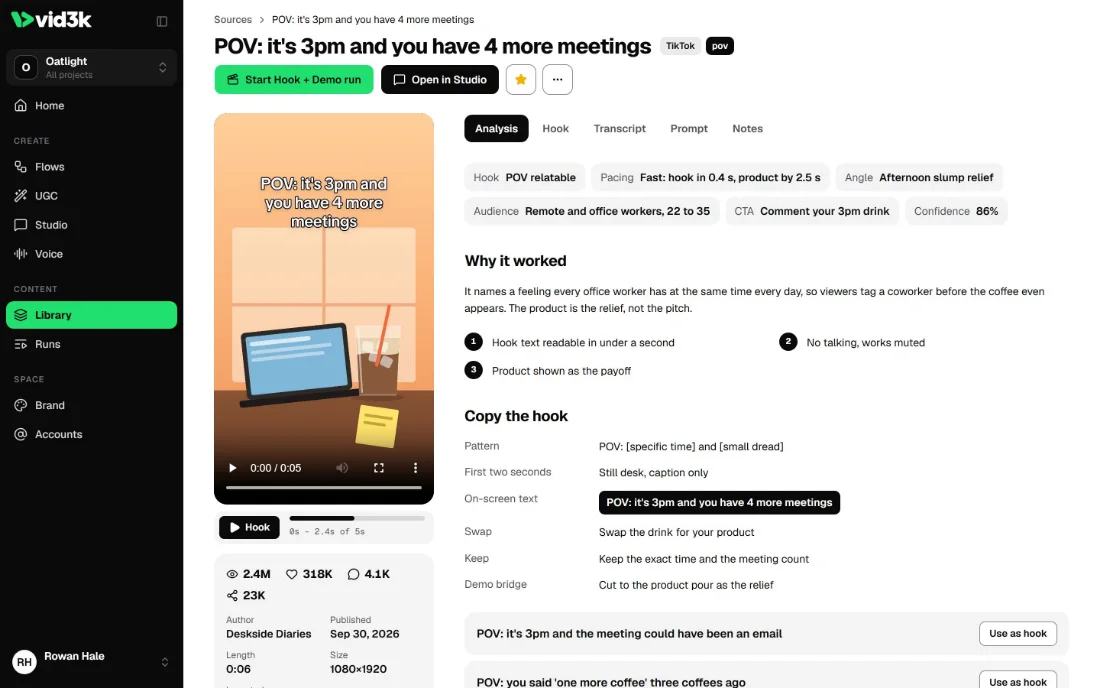
Teams use it to make short-form video ads.

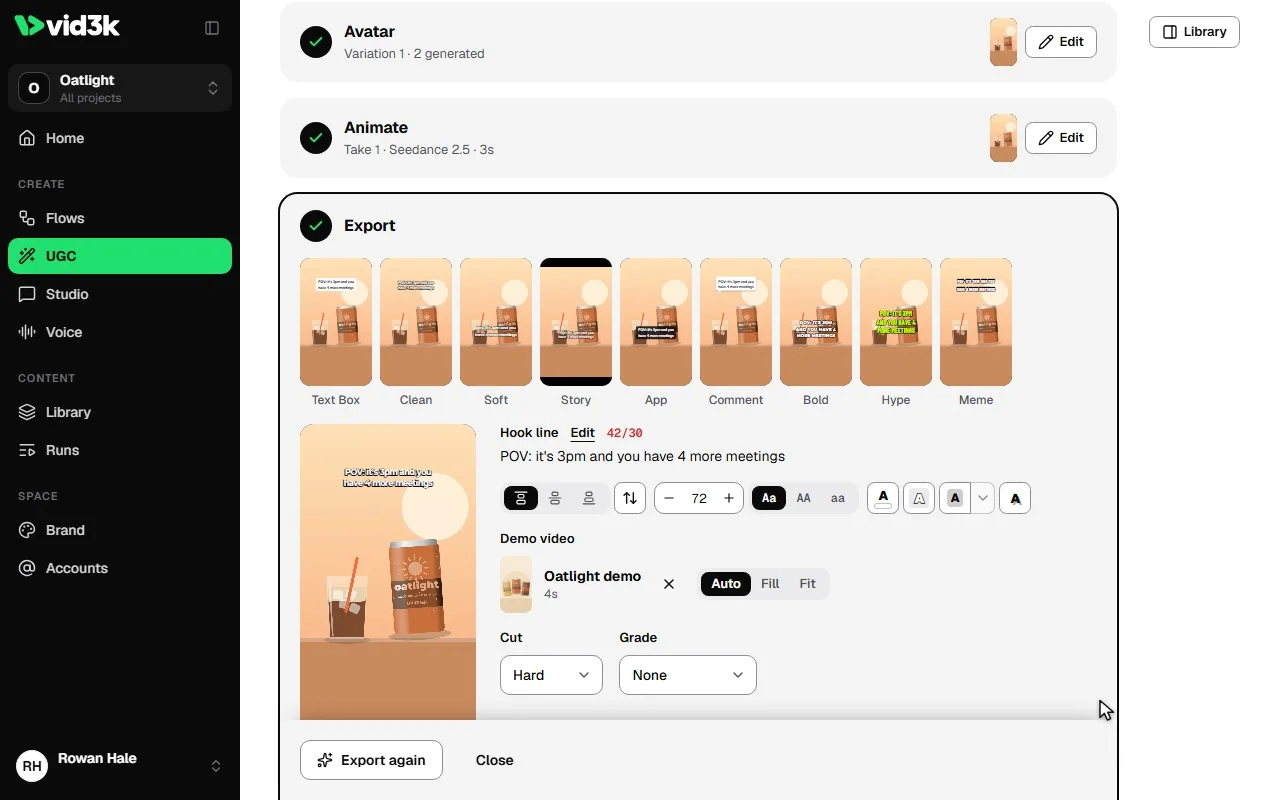
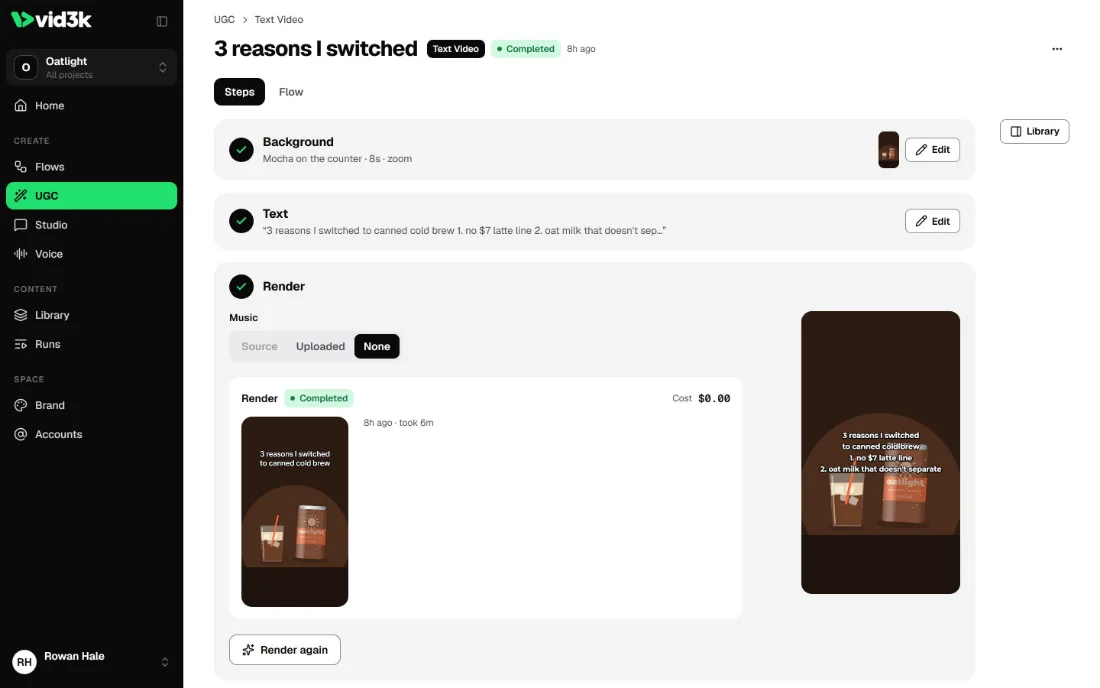
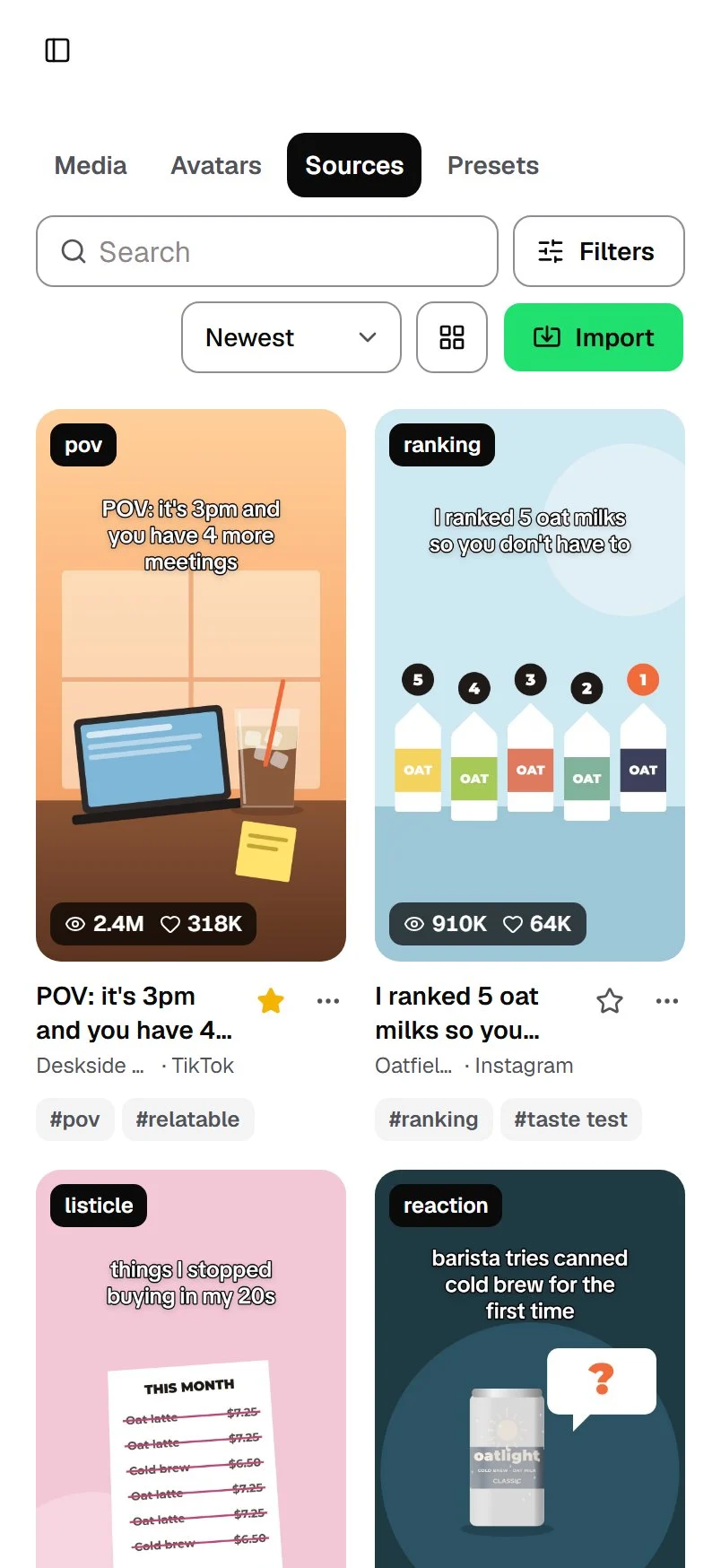
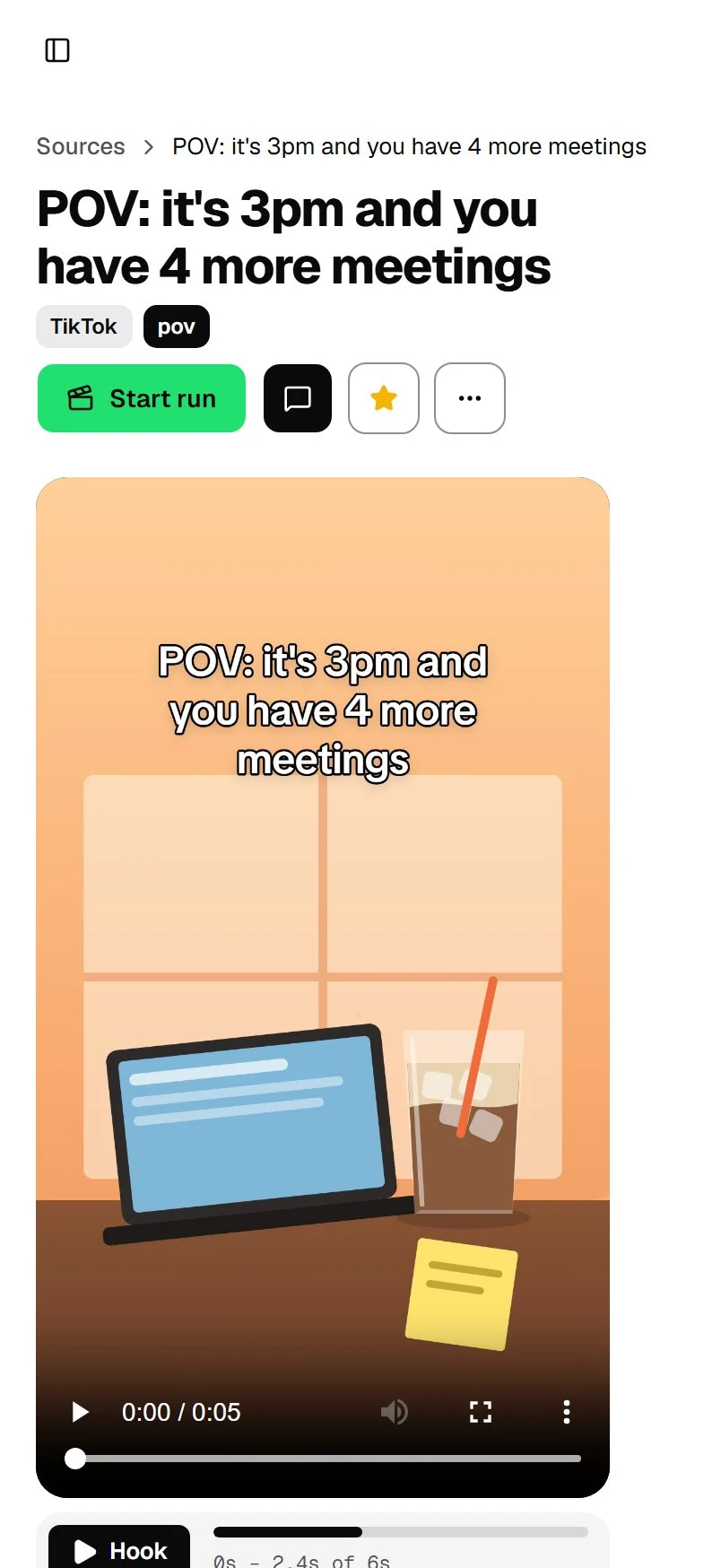
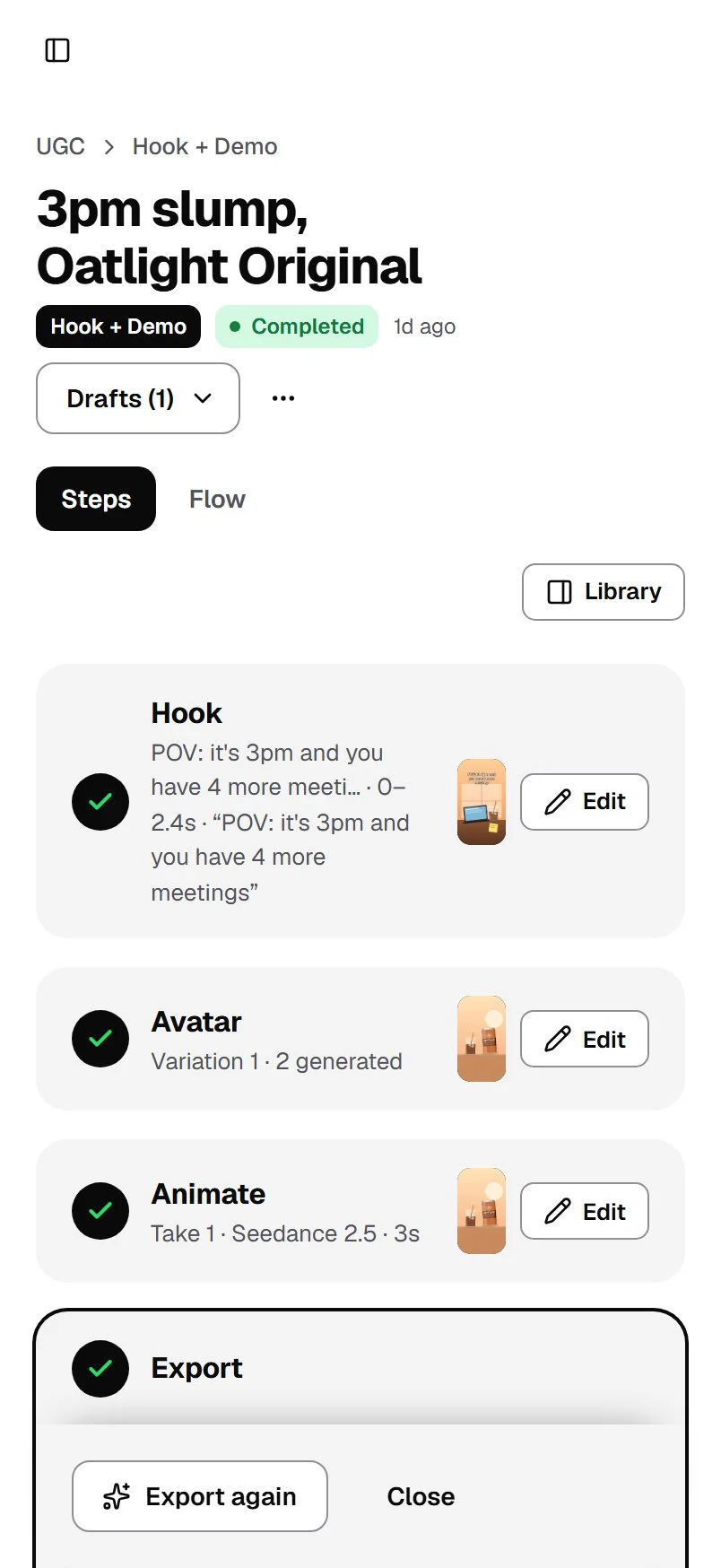
Import a viral reference post, see why it worked, then remake it for your own brand as a Hook + Demo, Text on Screen or Photo ad. It’s invite-only.

It’s Next.js 16 and Tailwind 4 on Neon Postgres. A Python worker on Modal handles the video with yt-dlp, faster-whisper and FFmpeg, and AI models generate the images and clips.

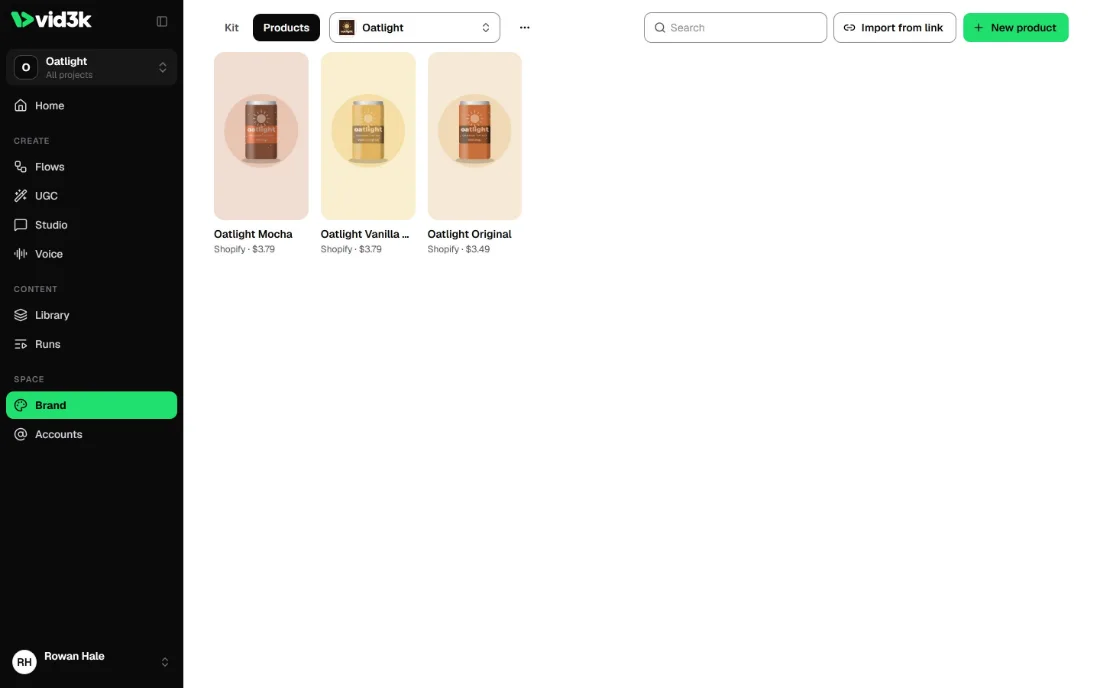
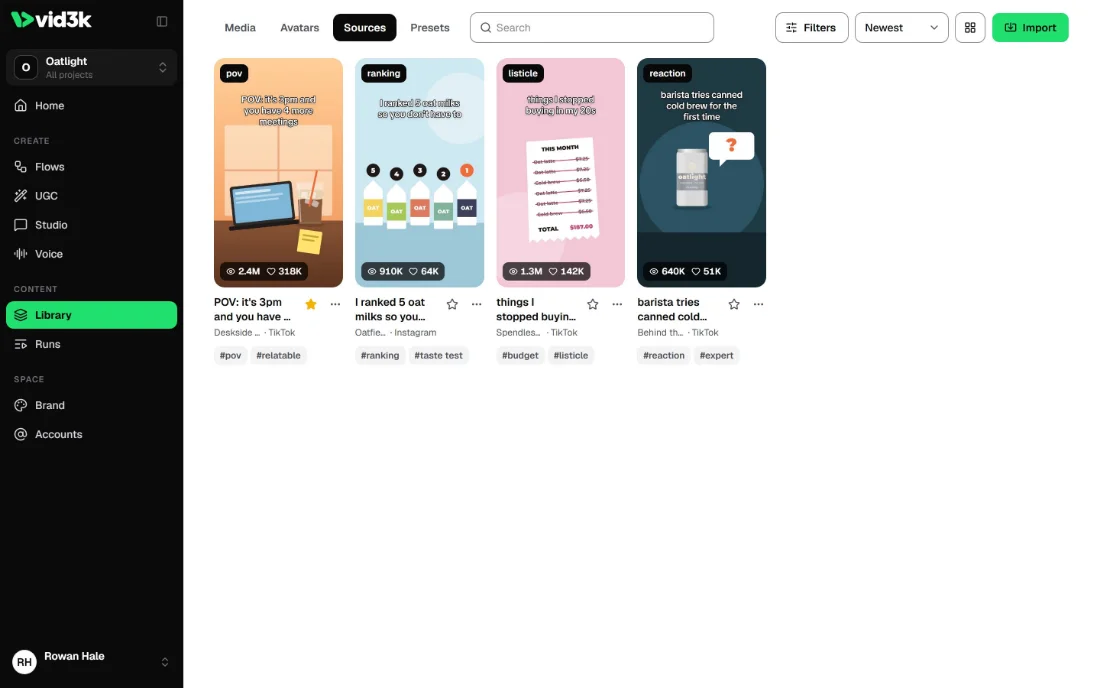
vid3k’s library of reference posts: four viral short videos with their views and likes
vid3k’s Reference posts screen on a phone

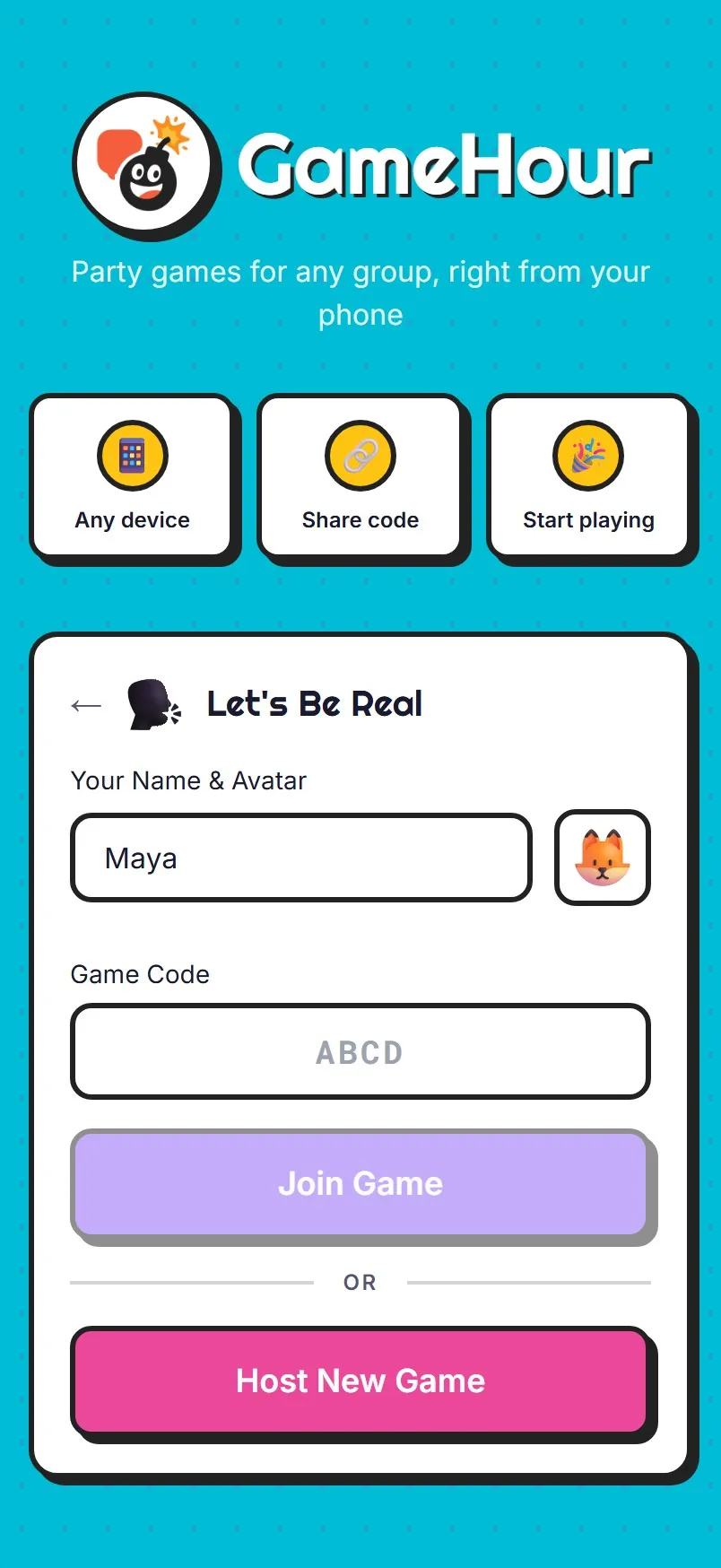
GameHour

Games for a room full of friends, each on their own phone.

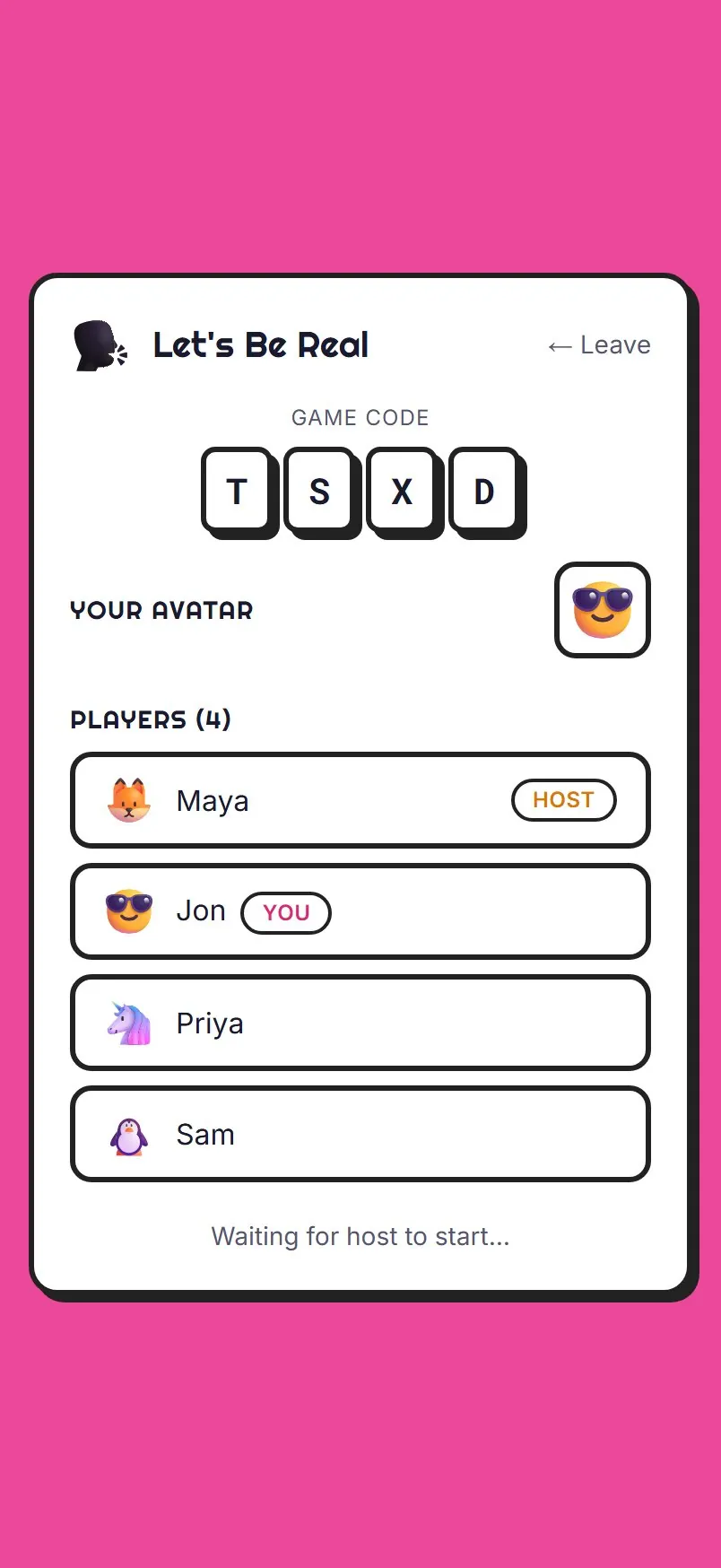
The host gets a four-letter room code, and friends type it in to join.

It’s React with PartyKit keeping every phone in the room in sync.

A friend’s phone in the same lobby, waiting for the host to start
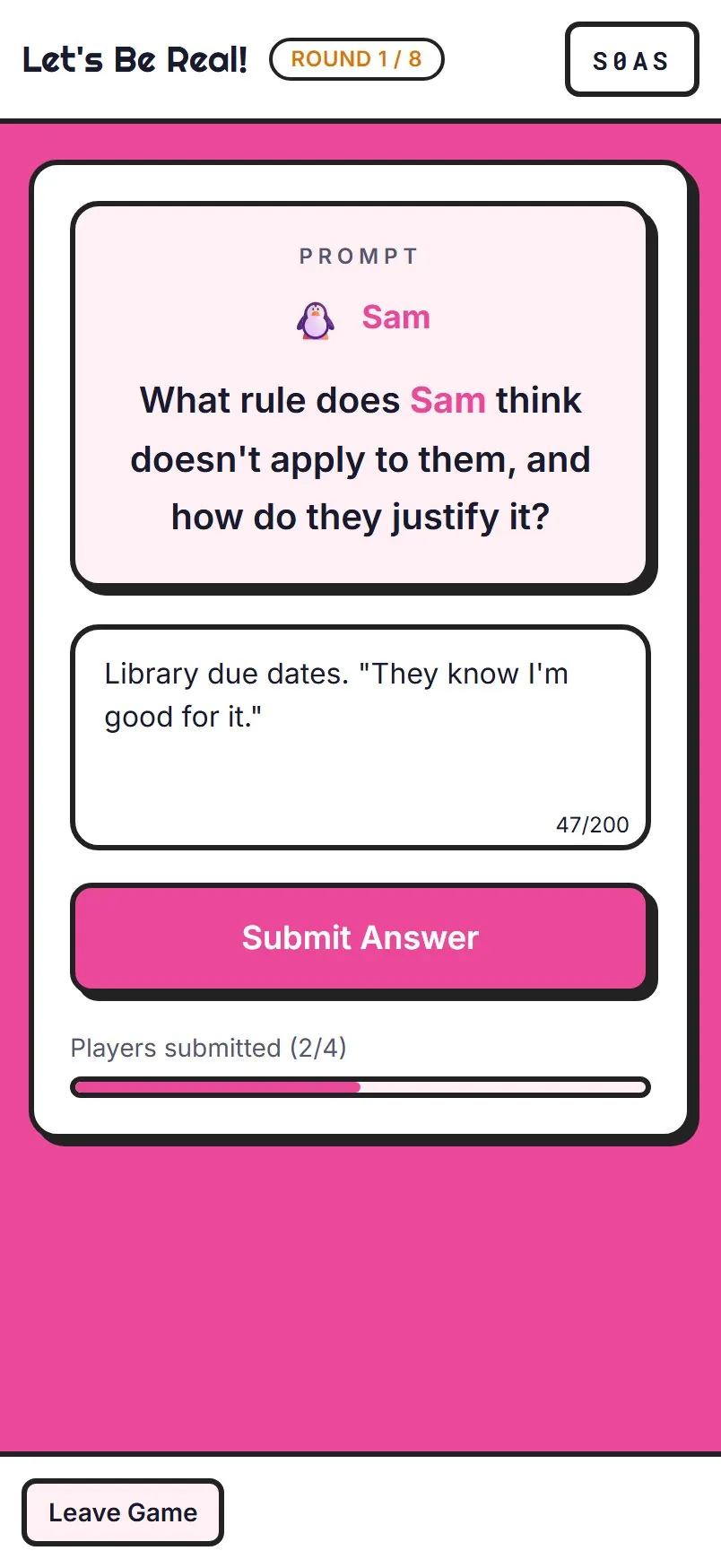
  1. Let’s Be Real

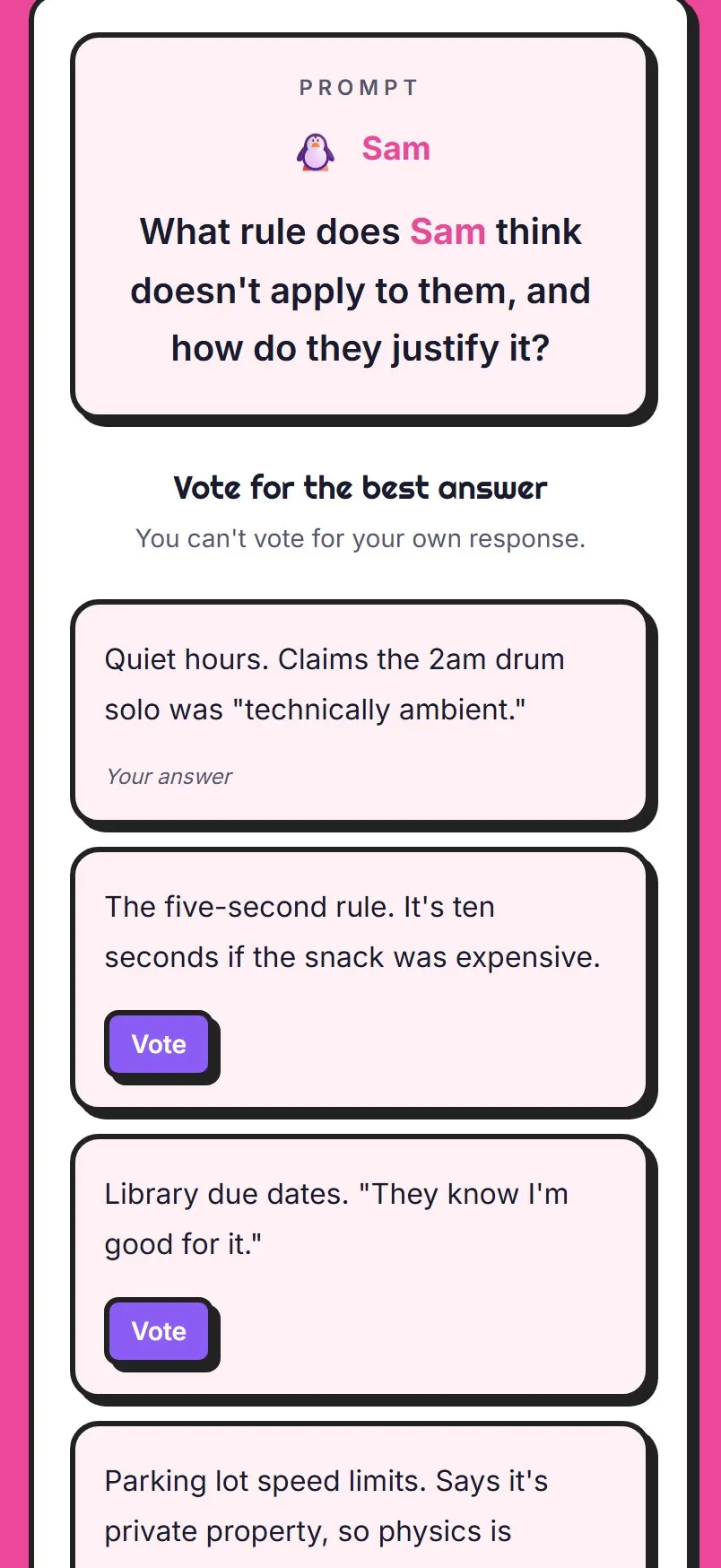
    Let’s Be Real: answering a prompt about another player

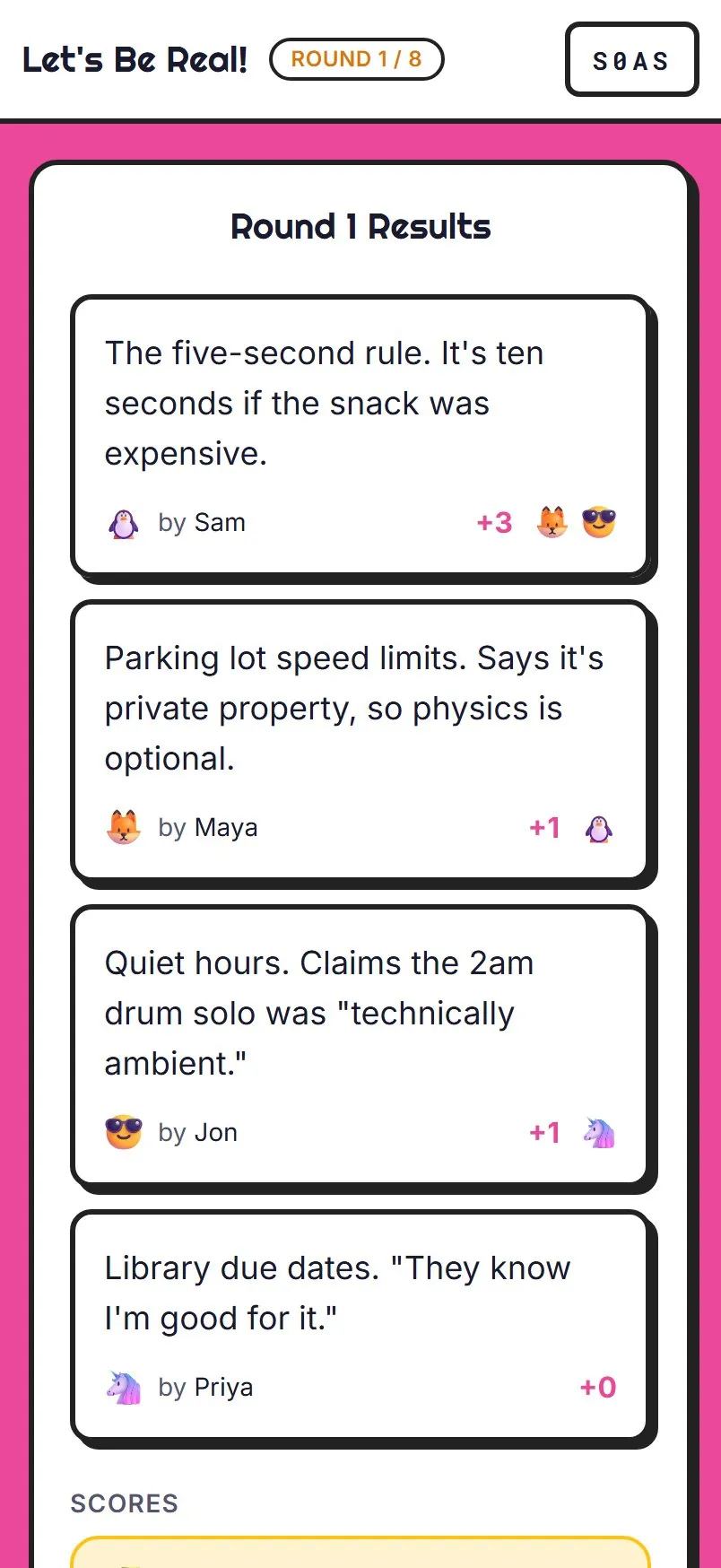
    Everyone answers a prompt about one player, then votes for the best answer. You can’t vote for your own.

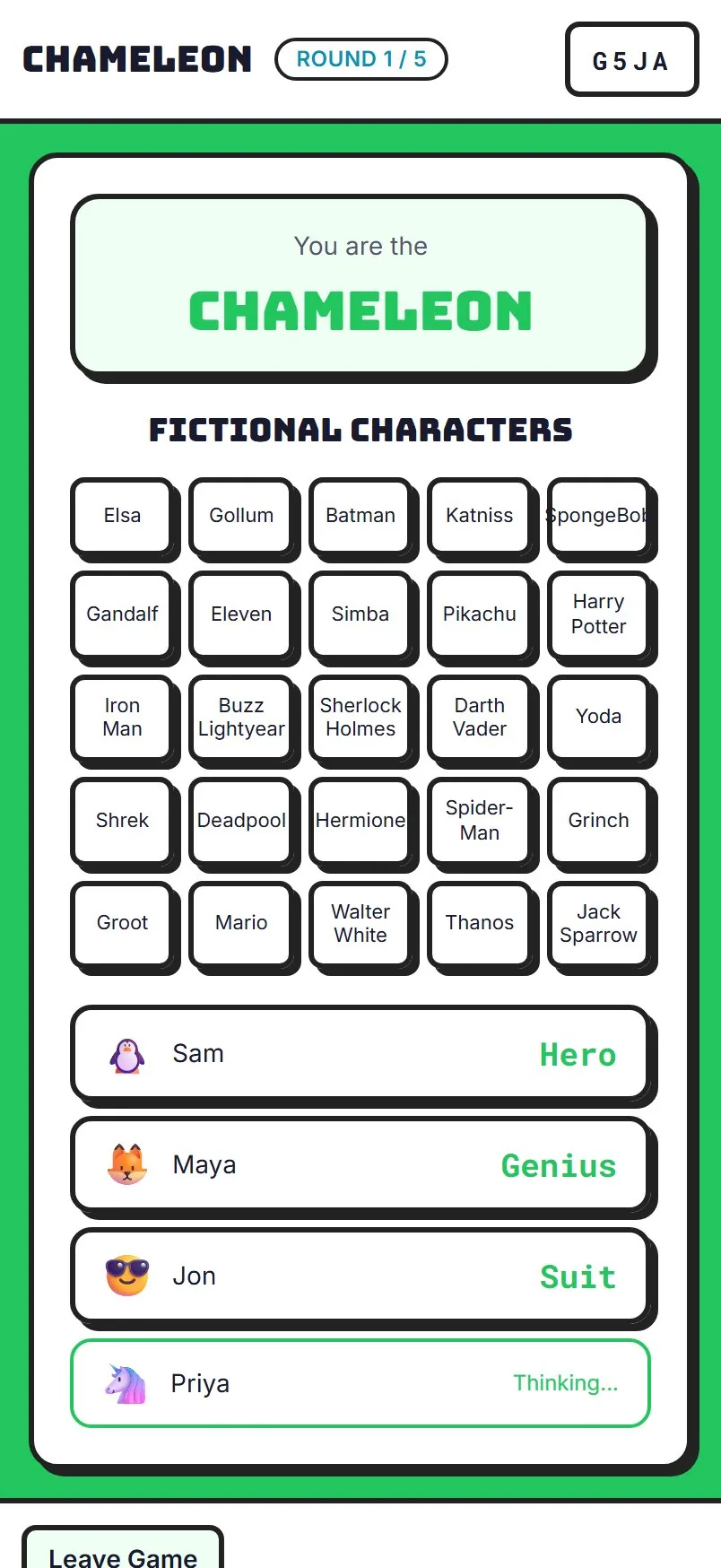
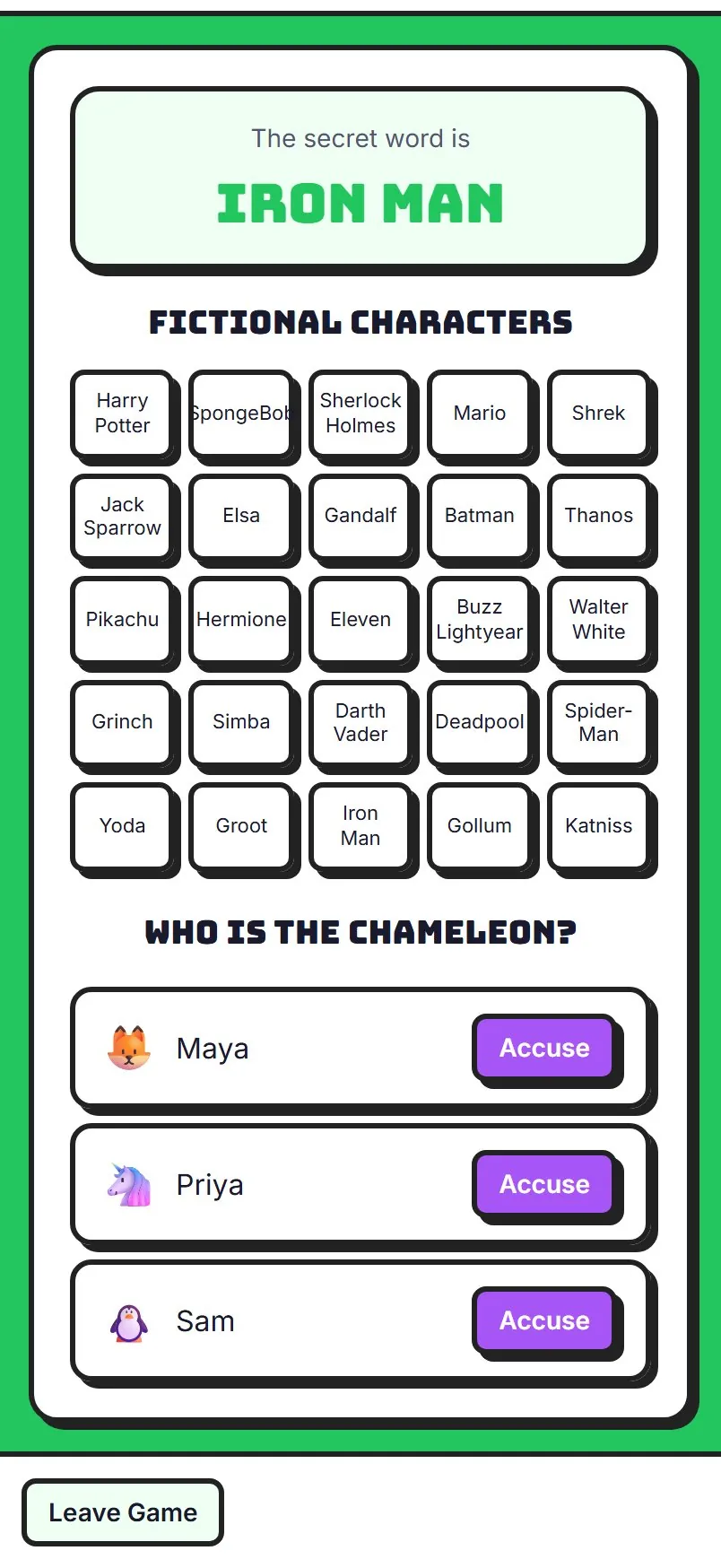
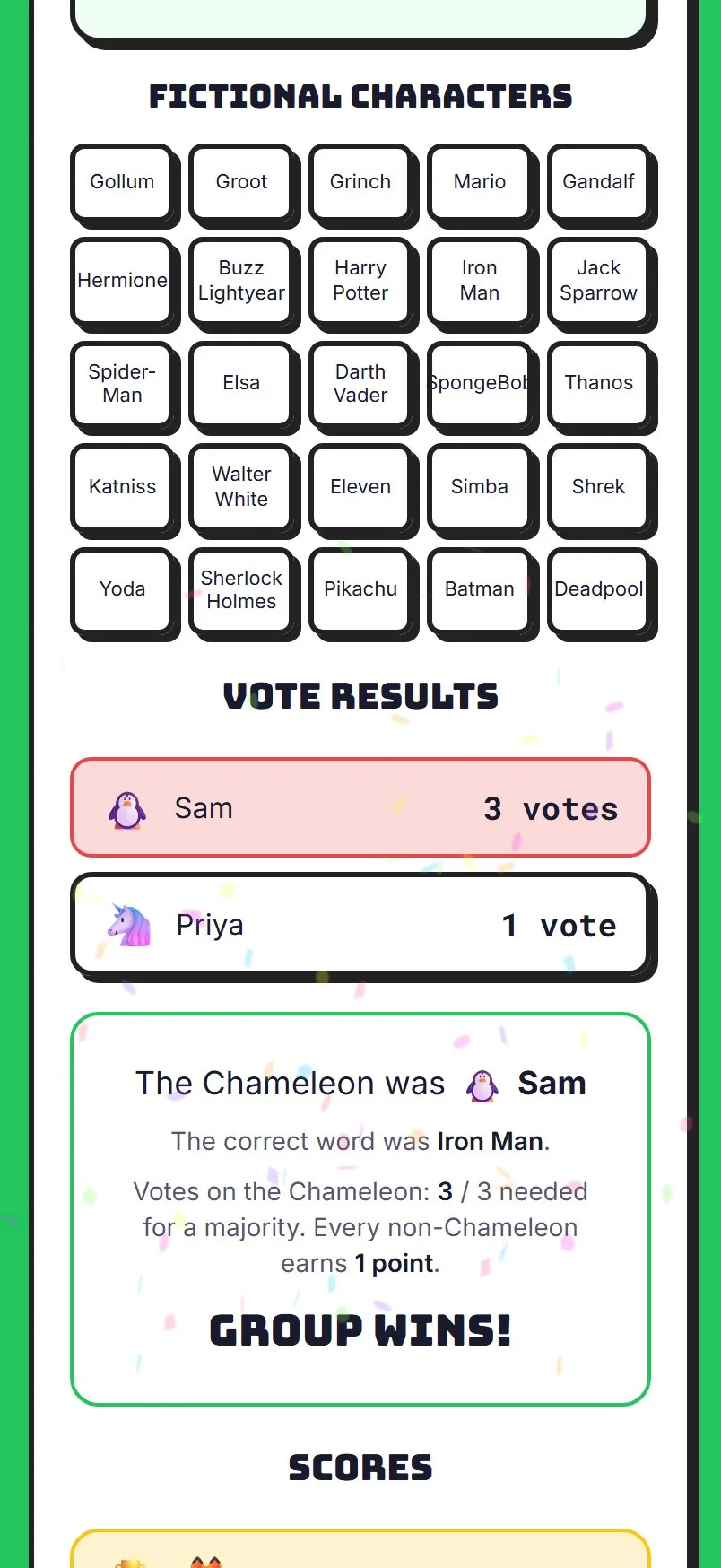
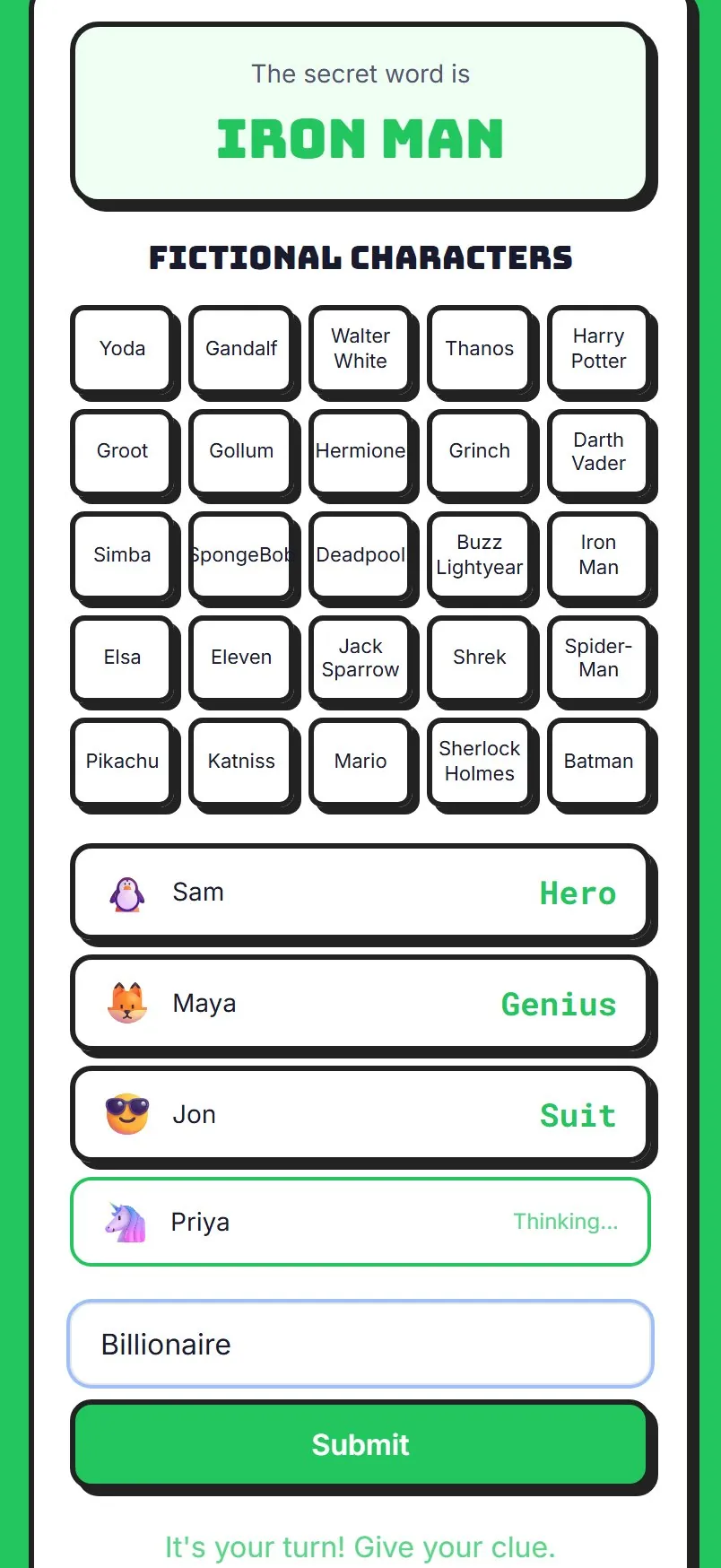
  2. Chameleon

    Chameleon: a player who knows the secret word giving a clue

    Everyone sees the secret word except the chameleon, who has to bluff a clue.

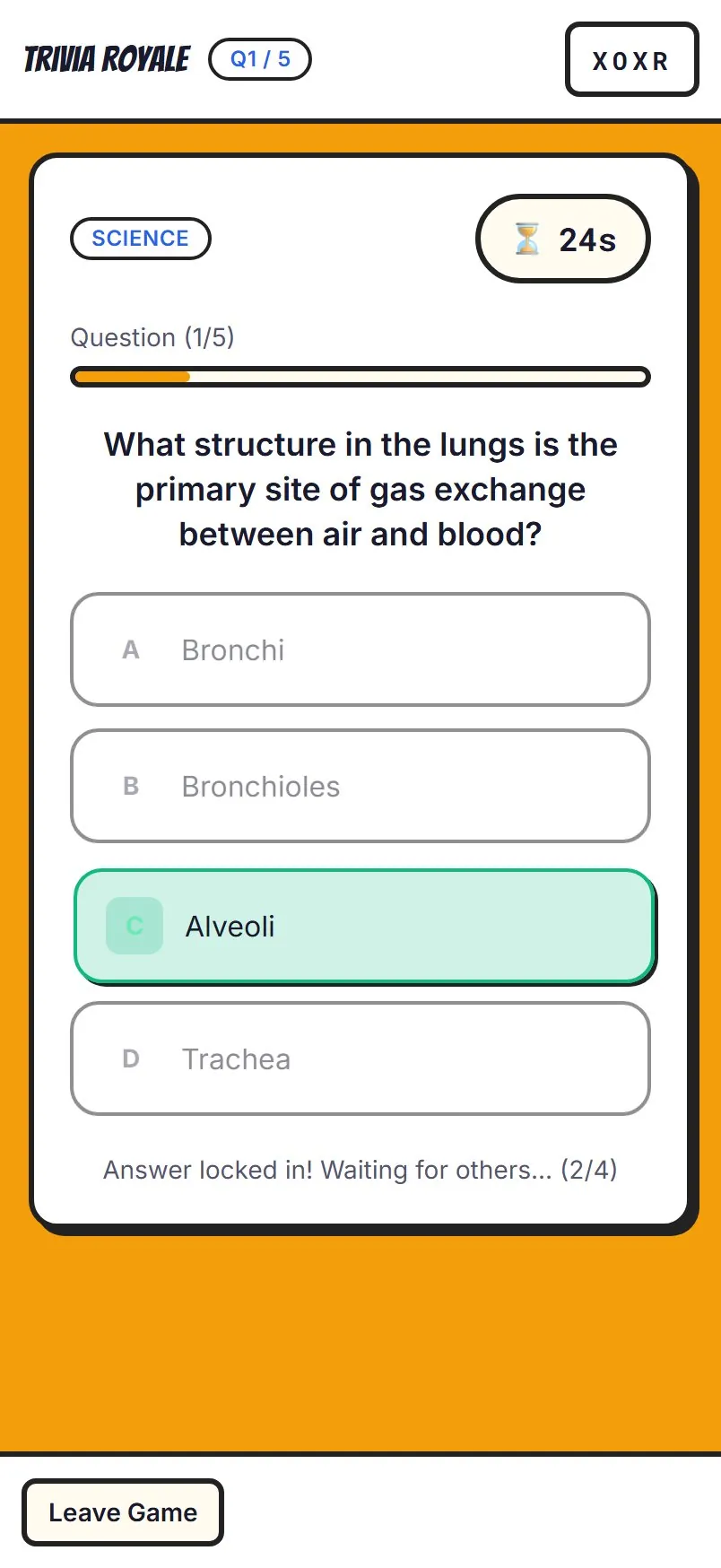
  3. Trivia Royale

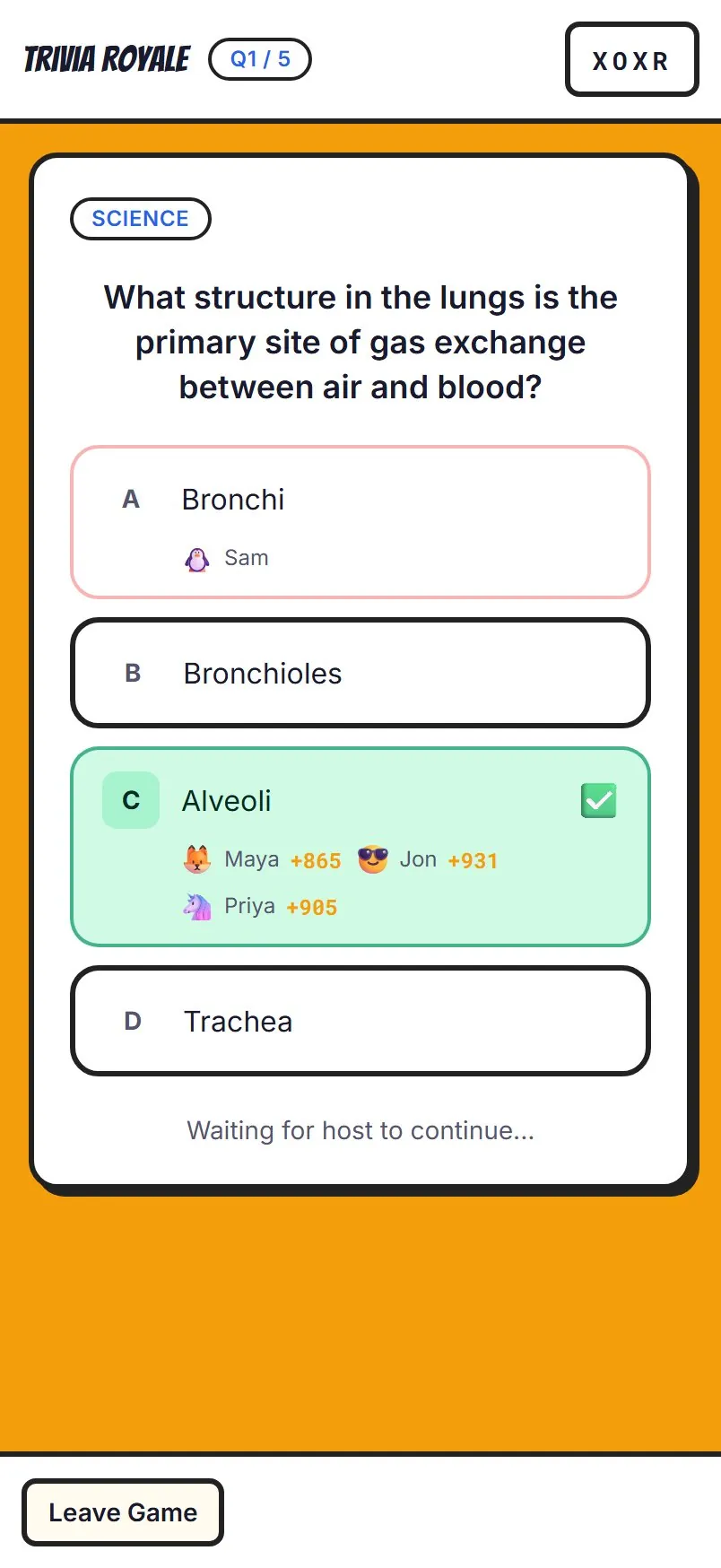
    Trivia Royale: an answer locked in while the clock runs

    Everyone gets the same question, and faster right answers score more.

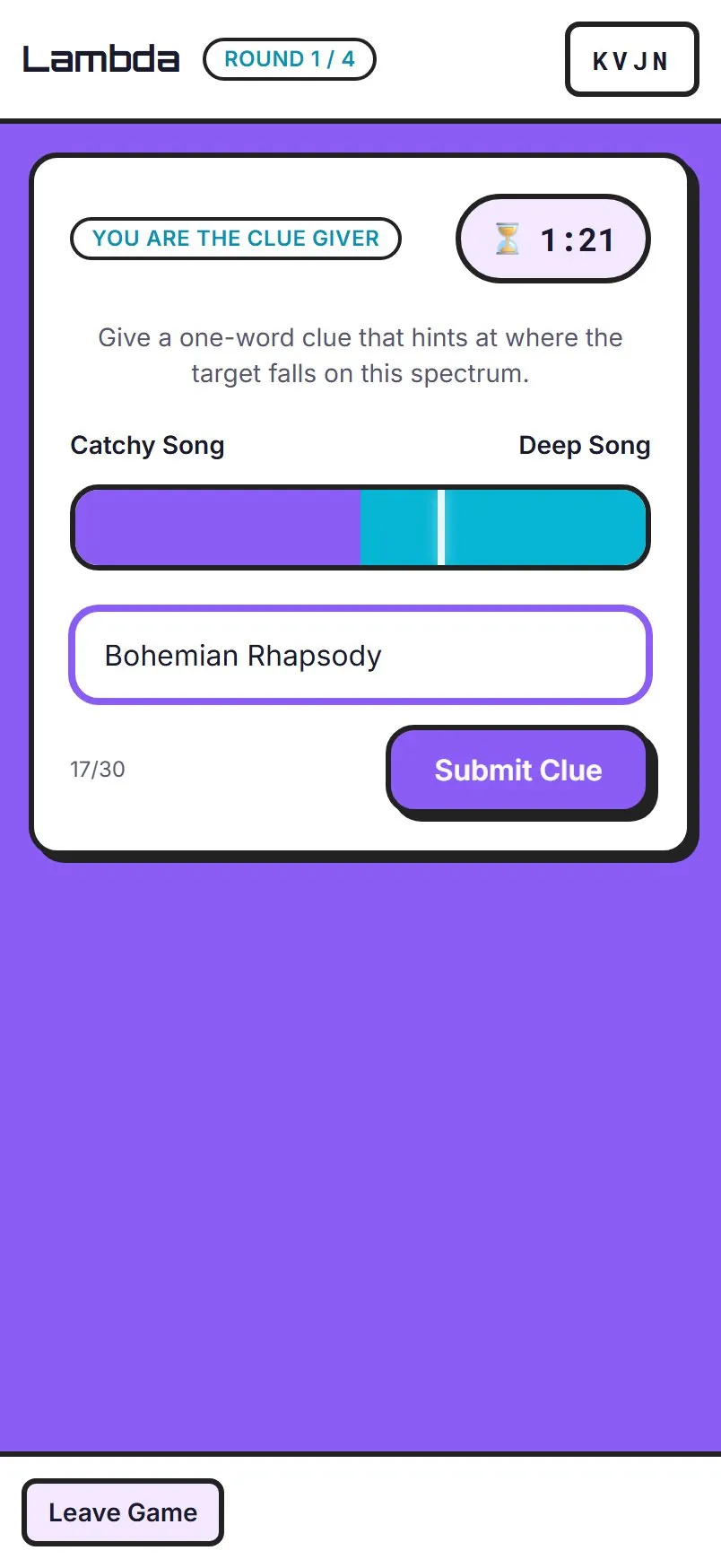
  4. Lambda

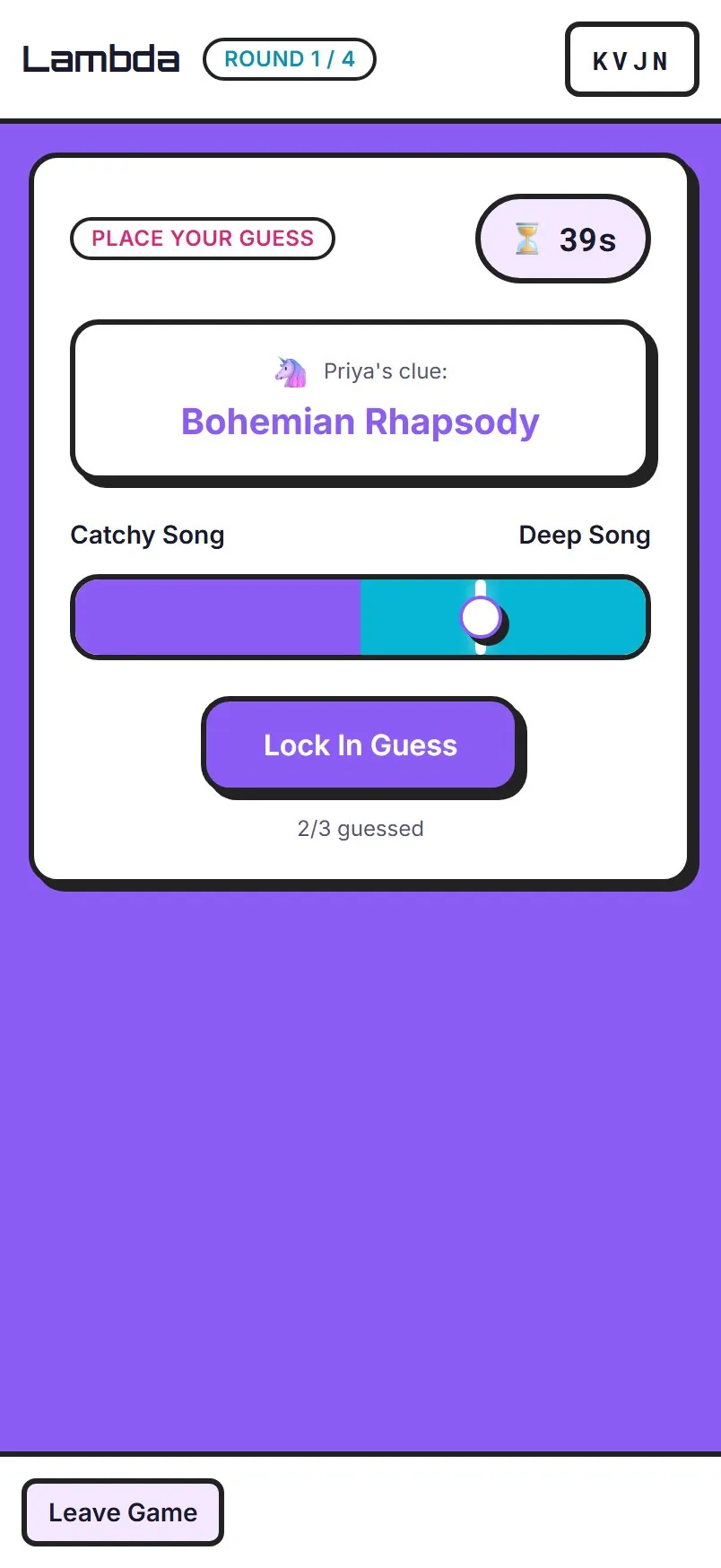
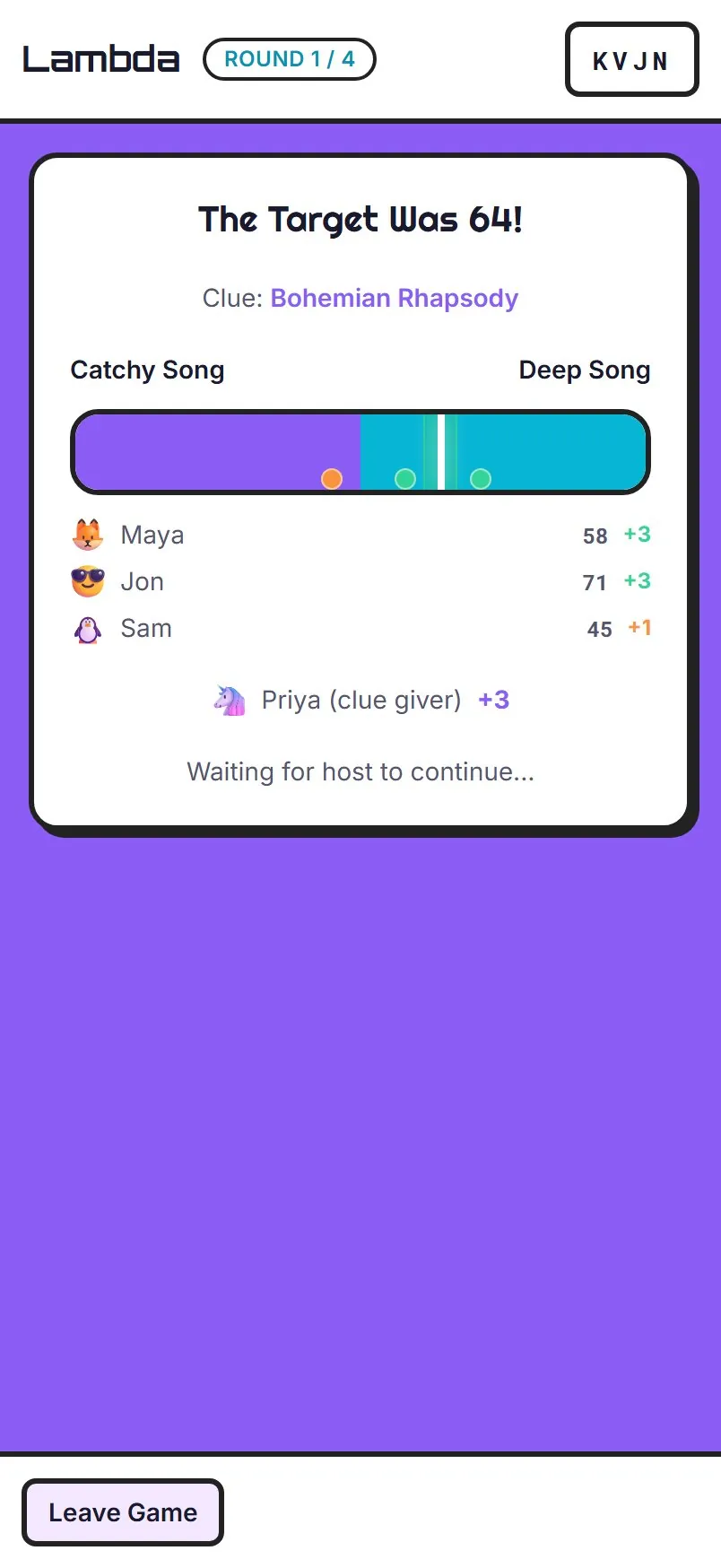
    Lambda: only the clue giver sees the target

    One clue points somewhere on a spectrum, and everyone slides to where they think it lands.